v0 DESIGN.md: Consistent UI
A practical v0 review for DESIGN.md workflows: use fast visual exploration without losing product rules, reusable components, and a reliable review loop.

See it in practice
Related DESIGN.md references
Curated directory entries with practical workflows and visual contracts — not blog posts.
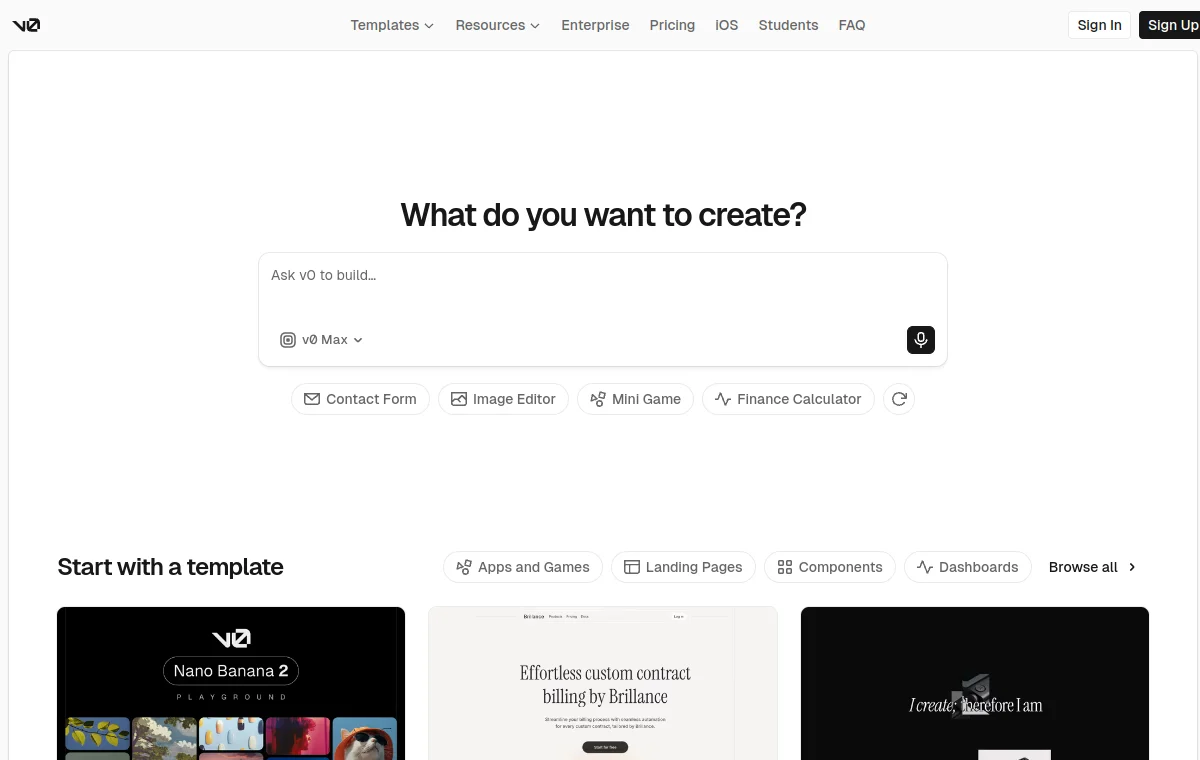
v0 DESIGN.md example
A focused visual brief for v0-generated interfaces.
Open directory reference →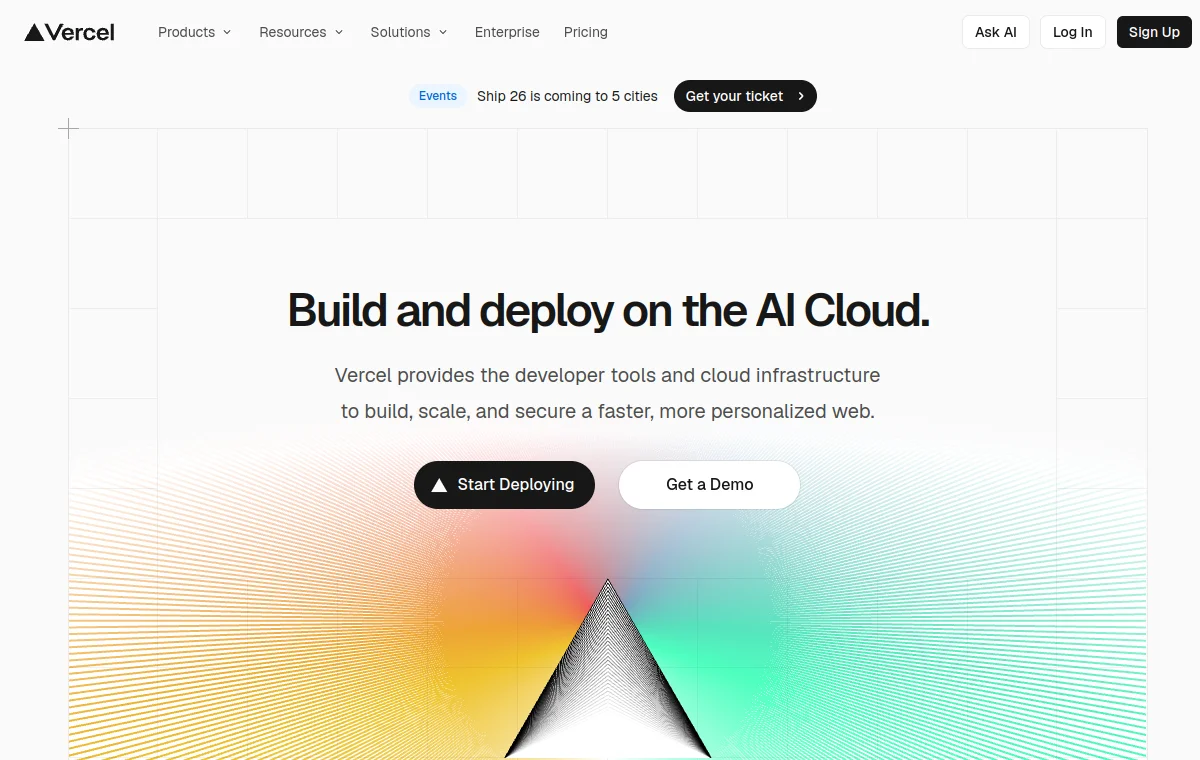
Vercel DESIGN.md reference
A production-oriented reference for the Vercel design language behind v0.
Open directory reference →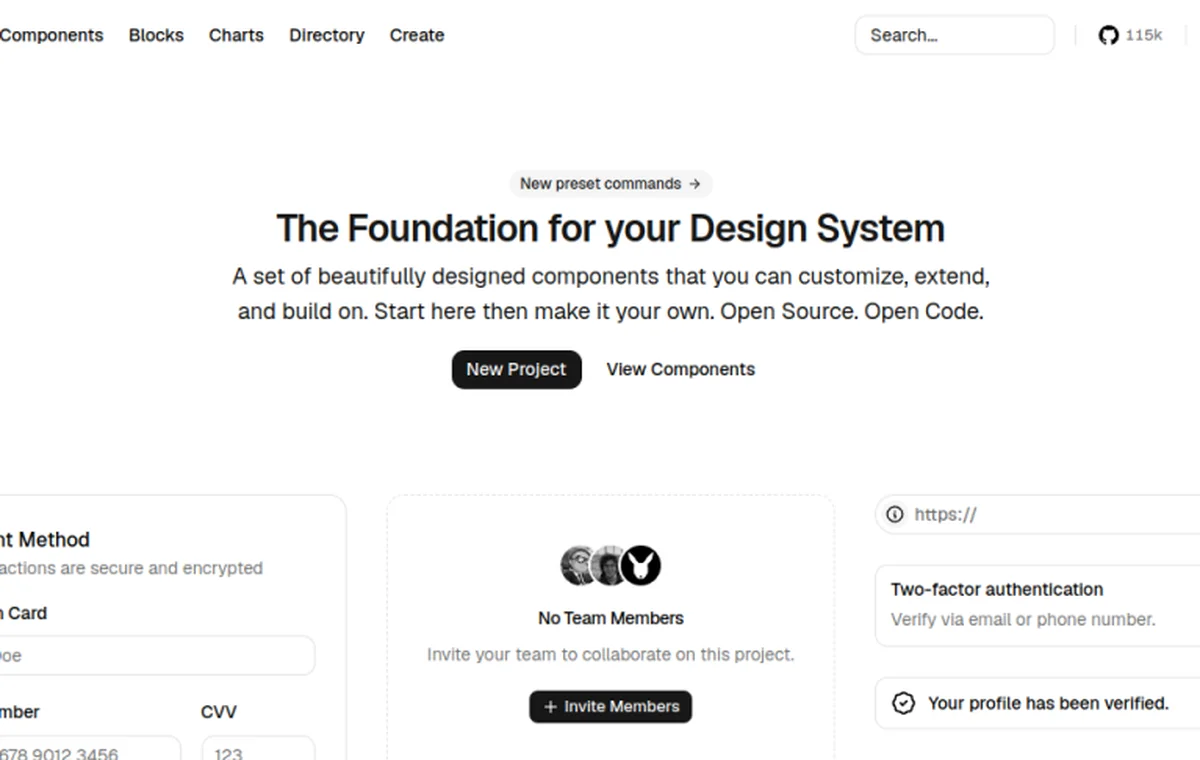
shadcn/ui DESIGN.md
A practical component and token contract for the implementation handoff.
Open directory reference →The short verdict
v0 is excellent at quickly exploring a visual direction and producing a useful first pass. The risk is that speed makes it easy to accept an attractive but generic or inconsistent result. DESIGN.md helps by naming the product's tokens, density, component choices, and anti-patterns before the prompt expands.
The verdict up front: v0 is best treated as a fast visual collaborator, not a replacement for a design system. Its first output is a starting point; consistency is won during iteration, component extraction, and integration with the real repository.
What DESIGN.md changes
Without constraints, v0 can reproduce familiar web-app patterns — generous padding, common card compositions, and a visual language that may resemble many Vercel-style examples. The result can look designed but not necessarily like your product. DESIGN.md turns a vague prompt into reusable decisions about color roles, typography, spacing, density, and forbidden patterns.
Use the file as the design contract you provide at generation time: paste the relevant sections into the prompt, or, when your workflow supports project-level instructions, keep the rules there. The point is not a guaranteed product feature; it is to make the design decisions explicit before accepting the first attractive result.
Where v0 shines
v0's strength is speed of exploration. You can compare three directions in the time it would take to write the first component by hand. This is valuable early in a project when the goal is to discover what feels right, not to ship production code.
- Rapid visual exploration — generate and compare directions quickly before committing to implementation.
- Low-friction first screens — useful for stakeholder review, user testing, or validating a layout concept.
- Route-shaped prototypes — the output includes pages with navigation, giving a feel for flow before the backend exists.
- Discovering direction — the tool excels at "what if" questions when taste is still being formed.
Where generated UI drifts
The speed that makes v0 attractive also creates risk. Generated screens can look polished while being inconsistent with your actual product. New components appear that do not match your existing ones. States like hover, active, and disabled may be missing or inconsistent. Responsive behavior often needs hand-adjustment.
The deeper issue is integration. v0 generates code that may not match your production component system — different class names, different markup patterns, different state management. Moving a v0 screen into a real codebase often requires a translation pass to align it with your existing primitives.
A reliable review loop
The workflow that works: constrain the first prompt with DESIGN.md, inspect the preview carefully, extract reusable patterns into your actual component system, test real states (loading, error, empty), and feed durable corrections back into DESIGN.md.
Treat v0 output as a sophisticated sketch, not a finished implementation. The component names, class structures, and state handling may need rework to fit your codebase. Plan for an integration pass where a developer translates the visual direction into real components that match your system.
Before accepting a generated screen, compare it against the existing product in four passes: visual hierarchy, component reuse, interaction states, and responsive behavior. The first pass catches generic composition; the second catches parallel primitives; the last two catch the gaps that are easy to miss in a polished static preview.
DESIGN.md loaded: yes / no
Existing primitives reused: yes / no
Loading, empty, error, disabled states: checked / missing
Mobile layout reviewed: yes / no
Corrections added back to DESIGN.md: list them| Check | Pass condition | If it fails |
|---|---|---|
| Tokens | Colors, spacing, and radius use documented values. | Add the missing value or prohibition to DESIGN.md. |
| Components | Generated markup uses the project primitives. | Translate the prototype into the real component system. |
| States | Loading, empty, error, and disabled states are present. | Add the missing state to the prompt and the spec. |
Verdict: who it fits
v0 fits teams that value fast visual exploration and have a developer-led integration pass to follow. It is strongest when paired with a clear DESIGN.md that constrains the generator and a workflow that treats the output as a starting point, not a deliverable.
It is weaker as an unattended production UI pipeline. Without the integration step and without DESIGN.md constraints, the output tends toward a generic look that drifts from your product's actual system. Use v0 for exploration with a strong design contract and a developer-led integration pass; avoid it as a hands-off production generator.
A good handoff includes both the visual reference and the implementation boundary: which existing primitives must survive, which states must be added by the product team, and which generated choices are still exploratory. That makes the speed of v0 useful without confusing a polished prototype with a finished system.
Frequently asked questions
How do I make v0 follow my design system?
Include DESIGN.md constraints directly in your prompts or in the project instructions. Reference tokens, spacing, density, and anti-patterns explicitly so the generator has specific rules to follow.
Can I use v0 output directly in production?
Usually not without an integration pass. The generated markup may not match your component system, and states like loading, error, and disabled may need implementation.
What should I do when v0 drifts from my system?
Treat the drift as a signal that DESIGN.md needs tighter constraints. Add the correction to the anti-patterns section and reference the file more explicitly in your next prompt.
Have a DESIGN.md worth sharing?
Submit your DESIGN.md to the directory and help other makers give their coding agents better taste.
Share your DESIGN.md →Related articles
Claude Code DESIGN.md: Consistent UI
A Claude Code review for DESIGN.md workflows: where repository context improves UI consistency, where the terminal agent needs help, and who it fits.
Codex DESIGN.md: Consistent UI
A practical Codex review for DESIGN.md workflows: pair AGENTS.md with visual rules, use repository context, and keep human visual review in the loop.
Cursor DESIGN.md: Consistent UI
A practical Cursor review for DESIGN.md workflows: how project rules improve UI consistency, why the editor loop helps, and where drift still appears.