Claude Code DESIGN.md: Consistent UI
A Claude Code review for DESIGN.md workflows: where repository context improves UI consistency, where the terminal agent needs help, and who it fits.

See it in practice
Related DESIGN.md references
Curated directory entries with practical workflows and visual contracts — not blog posts.
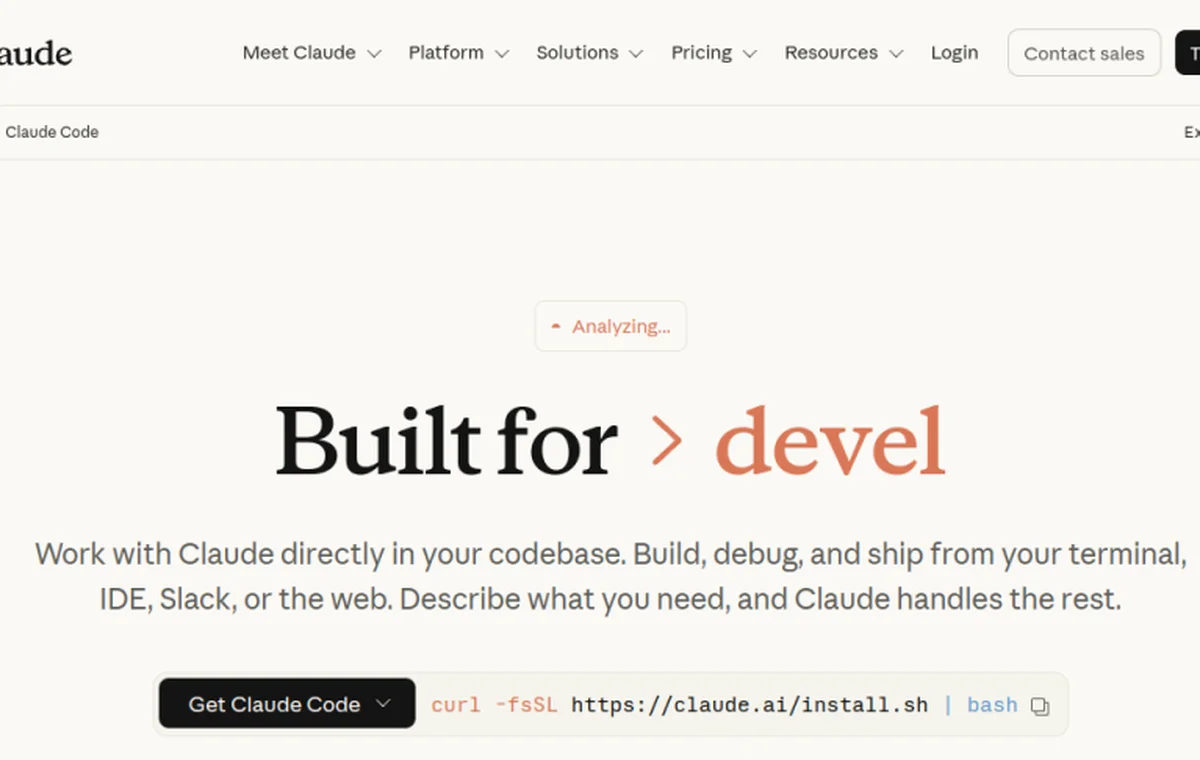
What Claude Code is, and the angle of this review
Claude Code is Anthropic’s command-line coding agent. It lives in your terminal, reads your repository, and executes whole tasks rather than finishing single lines — you describe what you want, and it edits files, runs commands, and iterates. Plenty has been written about how it performs on backend and refactoring work. This review looks at a narrower question that matters to anyone shipping a product: can it produce interface work that actually matches your design, or does it default to the generic look every agent reaches for?
The short answer is that Claude Code is one of the better agents at following written design guidance, precisely because its whole model of work is reading instructions from your repo and acting on them. But "better" is not "automatic." What you get out depends heavily on what you give it, and the design lens exposes that dependency more sharply than most tasks do.
It reads your repo, which is the whole advantage
The single most useful thing about Claude Code for design consistency is that it loads context from your project automatically. It picks up a CLAUDE.md at the root on every session, and from there you can point it at a DESIGN.md and instruct it to read that before touching any UI. Because this happens on each task without you pasting anything, the design rules travel with the work instead of being something you remember to attach.
This matters more than it sounds. Most inconsistency in agent output is not the agent disagreeing with your design — it is the agent never seeing it. Claude Code closes that gap structurally. When the file is present and referenced, its output lands noticeably closer to your tokens, spacing, and component patterns on the first pass, and the conversation shifts from re-explaining your system to reviewing genuine product decisions.
## Design

Before writing or changing any UI, read `DESIGN.md` and follow it.
Treat its tokens, components, and anti-patterns as binding. If a task
seems to require breaking a rule, stop and ask rather than guessing.
Where it shines
Claude Code is strong exactly where written rules do the work. Give it a specific token table and it uses your values verbatim instead of inventing near-matches. Give it a named list of canonical components and it reaches for those instead of improvising a new pattern. And because it sees the whole repo, it tends to imitate the conventions already present in your code — if your existing components are consistent, new ones usually rhyme with them.
- Honors explicit, specific rules well — token values, spacing scales, and named anti-patterns get applied reliably.
- Whole-repo awareness means new UI tends to match the conventions of existing UI.
- Multi-file tasks stay coherent — it can touch a component, its styles, and its usage in one pass without drifting.
- It can run and inspect the app, so with browser tooling it can verify a change renders rather than guessing.
Where it needs help
The terminal-first nature is the honest limitation. Claude Code does not have a design canvas; it reasons about interfaces through code and, when wired up, through rendered screenshots. That means it is excellent at applying design decisions you have written down and weaker at making aesthetic judgment calls you have left unstated. Vague guidance — "make it feel modern," "clean it up" — invites the same generic defaults every model has, because there is nothing concrete to override them.
It is also, like any agent, only as good as the file it reads. A stale DESIGN.md produces confidently wrong output, because it will apply an abandoned rule without hesitation. And on the first UI of a brand-new project, before any conventions exist in the repo, it has less to imitate and leans harder on defaults. The fix in all three cases is the same: write the decision down, keep it current, and be specific.
Verdict: who it fits
Claude Code is a strong fit for teams that are willing to encode their design decisions in text and want those decisions applied consistently across a codebase. If you already keep a DESIGN.md, or you are willing to start one, the terminal workflow rewards you with output that respects your system and stays coherent across multi-file changes. The trade you accept is that it will not invent a visual direction for you — it executes the one you have articulated.
If you want an agent to make design decisions on your behalf from a blank slate, no current tool does that well, and Claude Code is honest about it by simply following what it can read. Paired with a clear DESIGN.md, though, it is one of the most dependable ways to get an agent to build interfaces that look like your product rather than everyone else’s.
Frequently asked questions
Does Claude Code read a DESIGN.md automatically?
It automatically loads CLAUDE.md each session. Reference your DESIGN.md from there with an instruction to read it before UI work, and the design rules travel with every task.
Can it preview the interface it builds?
It has no design canvas of its own, but with browser tooling it can run the app and inspect rendered output, which lets it verify a change instead of guessing.
Is it better than an in-editor agent for design work?
It is stronger at applying written rules across a whole repo. In-editor tools give a tighter visual feedback loop. The best fit depends on whether your design lives in text or in your eye.
Have a DESIGN.md worth sharing?
Submit your DESIGN.md to the directory and help other makers give their coding agents better taste.
Share your DESIGN.md →Related articles
Codex DESIGN.md: Consistent UI
A practical Codex review for DESIGN.md workflows: pair AGENTS.md with visual rules, use repository context, and keep human visual review in the loop.
v0 DESIGN.md: Consistent UI
A practical v0 review for DESIGN.md workflows: use fast visual exploration without losing product rules, reusable components, and a reliable review loop.
Cursor DESIGN.md: Consistent UI
A practical Cursor review for DESIGN.md workflows: how project rules improve UI consistency, why the editor loop helps, and where drift still appears.