Why AI Coding Agents Need DESIGN.md
AI agents can write working UI, but they cannot guess your product’s design decisions. DESIGN.md turns visual intent into a repeatable coding workflow.

See it in practice
Related DESIGN.md references
Curated directory entries with practical workflows and visual contracts — not blog posts.

Codex workflow reference
A reference pattern for pairing engineering instructions with DESIGN.md visual constraints.
Open directory reference →
Cursor workflow reference
A practical example of keeping design context close to repository work.
Open directory reference →
Claude Code workflow reference
A repository-aware workflow for persistent instructions and design memory.
Open directory reference →AI can write the UI. It cannot guess your design decisions.
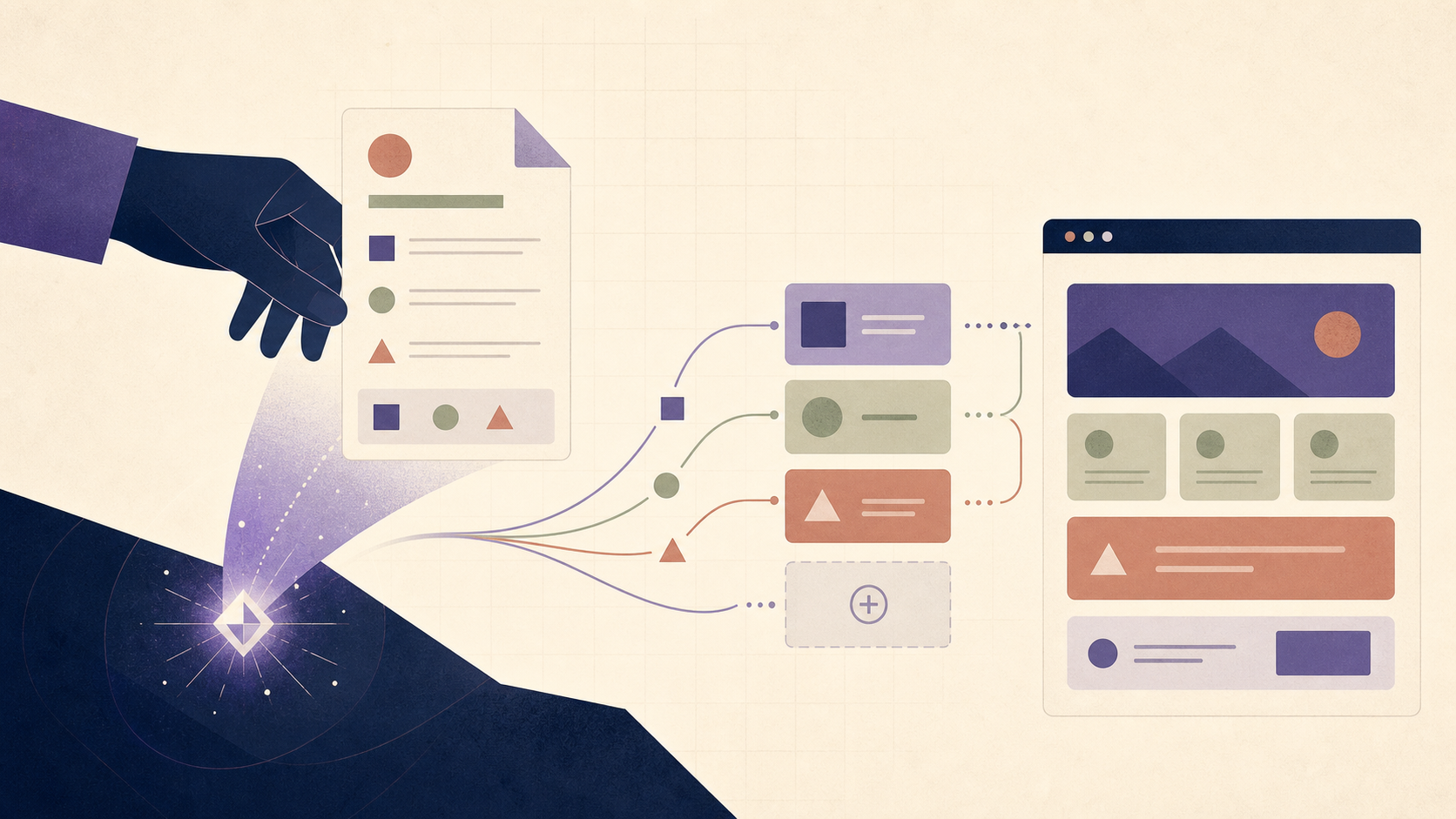
Ask an AI coding agent to build a settings page and it will usually give you something functional, responsive, and strangely unrelated to the rest of your product. The buttons work. The form submits. The layout compiles. But the agent has invented a blue, chosen its own spacing, added a shadow you stopped using two years ago, and made the empty state sound like a marketing page.
That is not mainly a model failure. It is a context failure. The agent cannot know that your buttons use a 10px radius, that your body copy is 15px, that destructive actions are never filled red, or that operational screens should be quiet and dense. Those decisions exist in a designer’s head, a Figma file, a component library, scattered code, or nowhere at all. When the decision is not available in the repository context, the agent guesses.
This is why DESIGN.md matters. It gives the agent a durable, readable record of the visual decisions it would otherwise reinvent on every task.
A design system is not automatically an agent instruction
A Figma library, Storybook, or token file can be the source of truth for a team and still be a weak instruction for an agent. Those systems are built to be browsed, inspected, and interpreted by people. An agent needs the decisions in a form it can load next to the code and apply while it edits files.
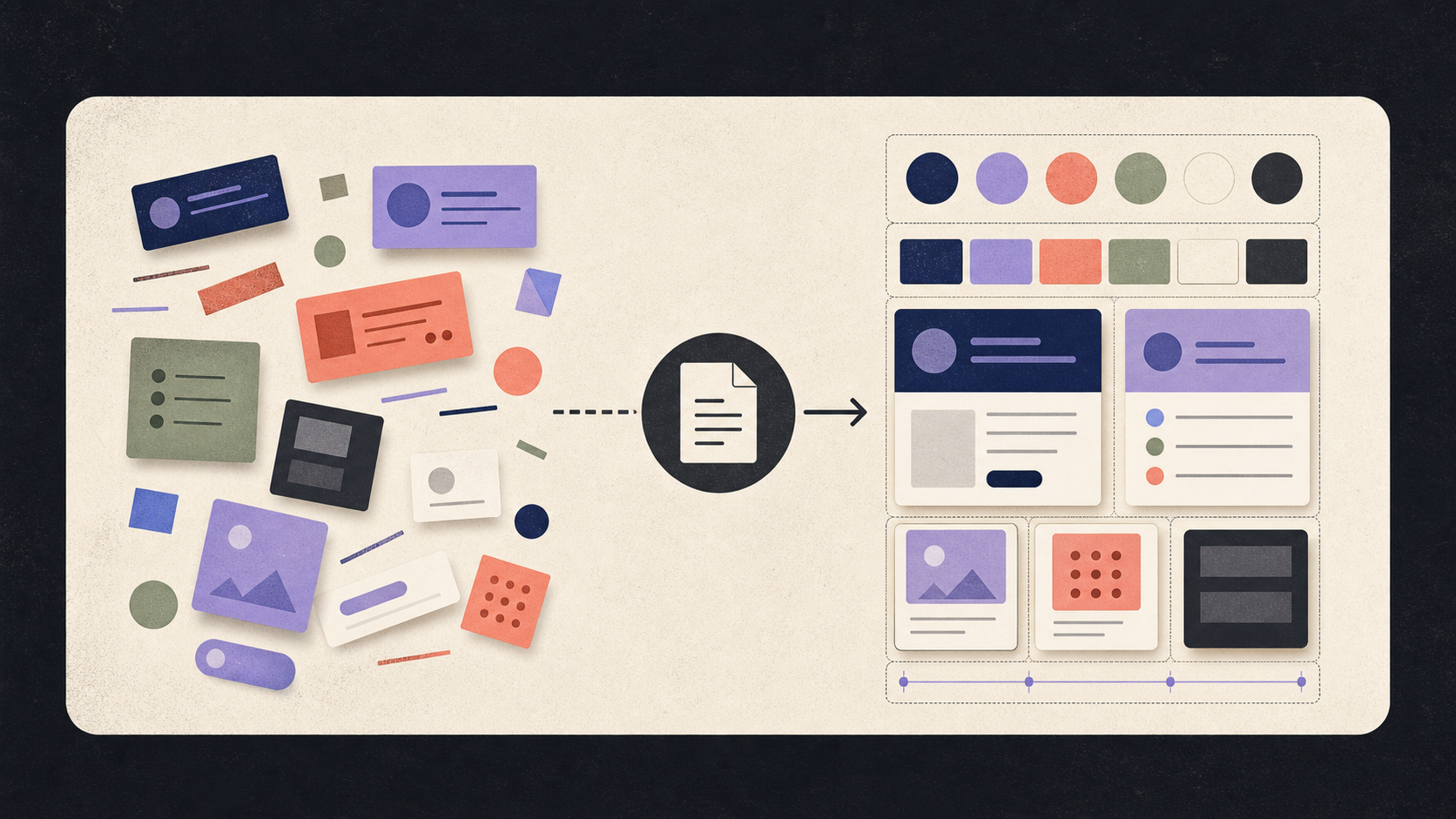
DESIGN.md is not a replacement for those systems. It is their agent-readable layer: a concise contract that translates visual intent into concrete rules, component patterns, states, and things the product should never do.
| Layer | Best at | What the agent needs from it |
|---|---|---|
| Figma / visual library | Exploring and proving visual direction | The decisions translated into explicit rules |
| Design tokens | Keeping values consistent in code | Semantic meaning and when to use each token |
| Storybook / components | Showing reusable implementation patterns | Which components are canonical and which states matter |
| DESIGN.md | Carrying design intent into agent sessions | Short, concrete, versioned instructions |
What changes when DESIGN.md enters the workflow
The first change is practical: fewer corrections on the first pass. Instead of repeating “use our spacing” or “that blue is wrong” in every session, the agent has a reference it can check before it writes UI.
The second change is consistency. Two teammates working on different days can ask for different screens and still get decisions that rhyme, because both sessions load the same visual contract. The agent does not wake up with a new opinion about what “modern” means.
The third change is organizational. Writing the file exposes decisions the team had been carrying informally. A rule becomes reviewable, versioned, and changeable in the same repository as the implementation it governs.
What DESIGN.md can and cannot solve
DESIGN.md does not create a visual direction from nothing. If the product has no decisions, the file cannot invent a good one on your behalf. It also does not replace visual review: screenshots, browser checks, accessibility checks, and human judgment still matter.
The file works when it is specific and current. “Make it feel premium” leaves the agent guessing. “Use the neutral surface for operational cards; reserve the accent for primary actions and active states” gives it something it can actually apply. A stale file is worse than a short file because it makes old decisions look authoritative.
- It can preserve explicit decisions across agent sessions.
- It can reduce repeated corrections and visual drift.
- It cannot replace taste, product judgment, or visual QA.
- It should evolve when the product or its components evolve.
A practical workflow for using it
The most useful DESIGN.md is not the longest one. Start with the decisions that change the output most often, then refine the file from real work.
- Write a thin first version with product character, core tokens, canonical components, and anti-patterns.
- Tell the agent to read DESIGN.md before any UI task and reuse existing components first.
- Ask it to build one representative surface, such as a settings page or dashboard state.
- Review the result in the browser and list every recurring mismatch.
- Turn the highest-value corrections into specific rules in DESIGN.md.
- Repeat the cycle whenever a new surface reveals a missing decision.
## Design\n\nBefore writing or changing UI, read DESIGN.md.\nTreat its tokens, components, states, and anti-patterns as binding.\nReuse existing components before creating new ones.\nIf the task conflicts with a design rule, explain the conflict first.The point is not to give the agent taste
The point is to stop asking the agent to invent taste on every task. DESIGN.md turns a product’s visual decisions into something a coding agent can load, search, and apply. It moves design consistency out of memory and into the workflow.
If you want the practical definition, structure, and starting checklist, read the complete guide to what DESIGN.md is. If you want a ready-made starting point, use the DESIGN.md template and adapt it to your product. The blog argument is simple: agents are becoming capable of building more of the interface, so the design decisions they need must live where they can actually read them.
Frequently asked questions
Is DESIGN.md a replacement for Figma or Storybook?
No. It is the agent-readable layer that translates the decisions in those systems into concise, versioned instructions close to the code.
Does DESIGN.md guarantee better-looking UI?
No. It reduces guessing and visual drift when the rules are concrete and current, but human review and browser-based visual QA are still necessary.
How long should a DESIGN.md be?
Long enough to cover the decisions that repeatedly affect output, but short enough for an agent to read and apply. Start small and grow it from real corrections.
Have a DESIGN.md worth sharing?
Submit your DESIGN.md to the directory and help other makers give their coding agents better taste.
Share your DESIGN.md →