Templates

DESIGN.md templates for AI coding agents

Production-ready design systems your AI agent can read and implement. Copy a template, paste it into your repo, and ship polished UI with Cursor, Claude Code, or Codex.

For founders, indie hackers, and teams shipping with AI

Popular: SaaS dashboard, AI app starter, landing page, ecommerce

Ready to use

10 templates with full DESIGN.md content
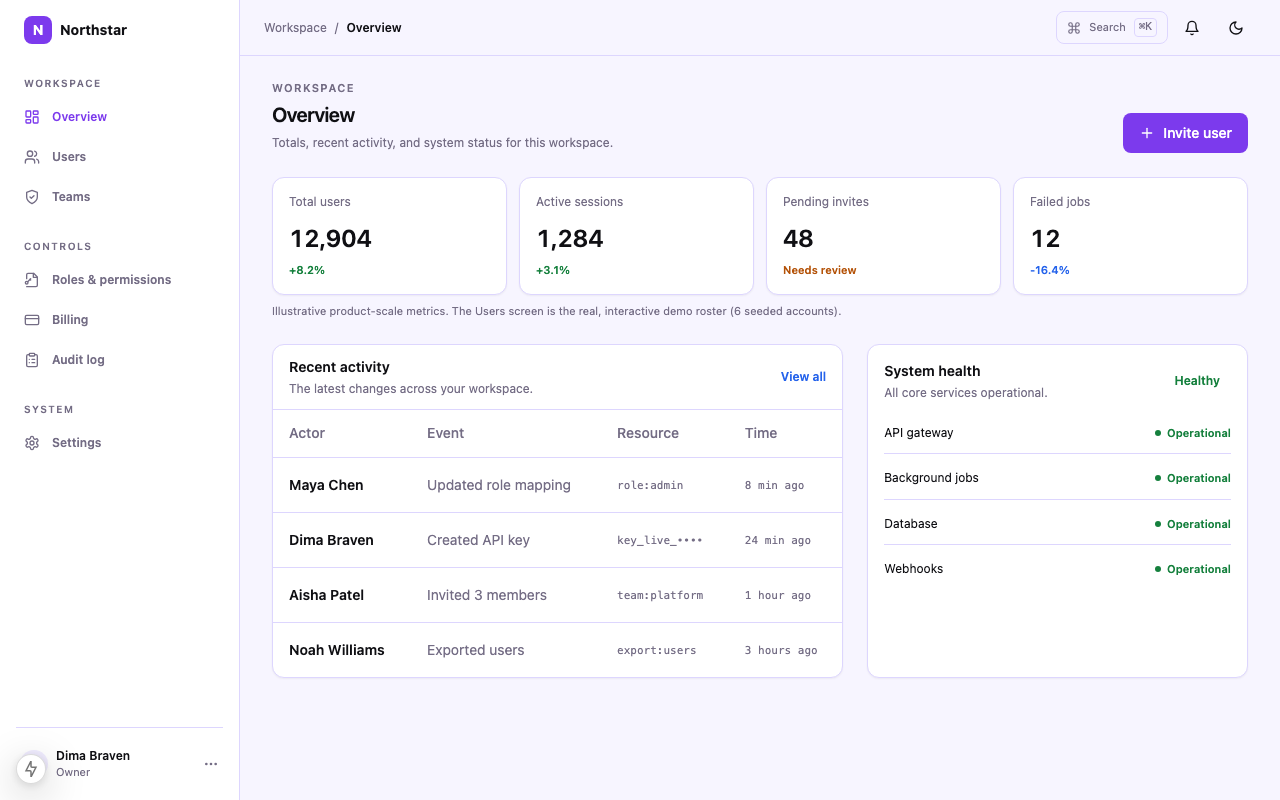
Minimal SaaS Dashboard DESIGN.md

Minimal SaaS Dashboard DESIGN.md

A launch-ready minimal saas dashboard style file for AI coding agents, with typography, spacing, component rules, and layout taste.

AI App Starter DESIGN.md

AI App Starter DESIGN.md

A launch-ready ai app starter style file for AI coding agents, with typography, spacing, component rules, and layout taste.

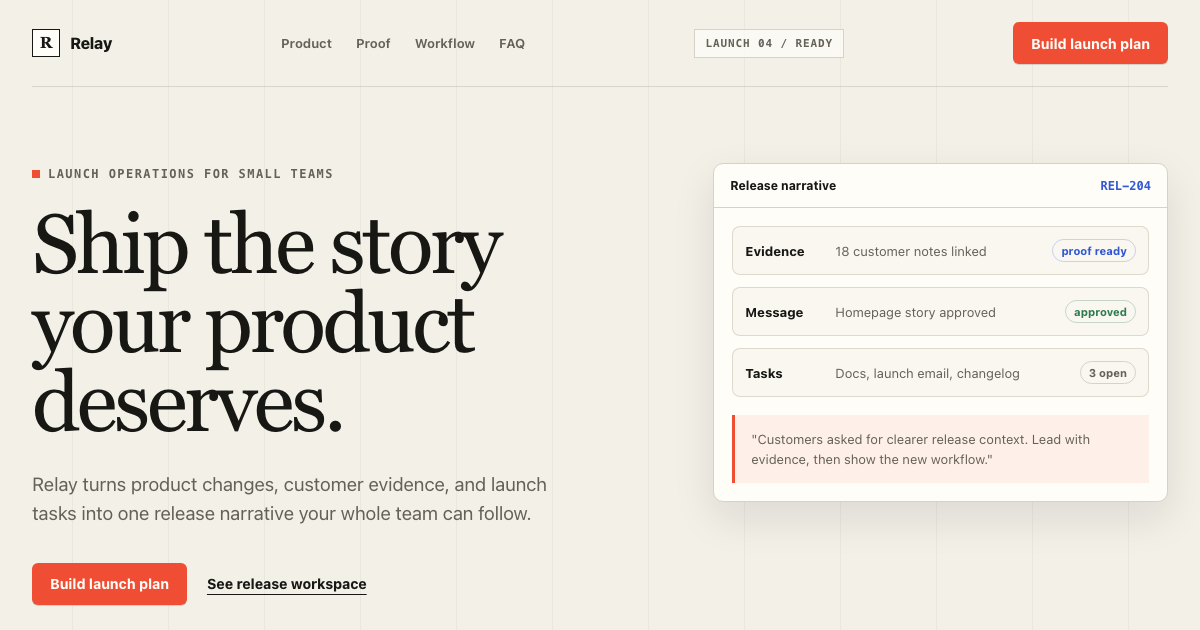
Landing Page DESIGN.md

Landing Page DESIGN.md

A launch-ready landing page style file for AI coding agents, with typography, spacing, component rules, and layout taste.

Ecommerce DESIGN.md

Ecommerce DESIGN.md

A launch-ready ecommerce style file for AI coding agents, with typography, spacing, component rules, and layout taste.

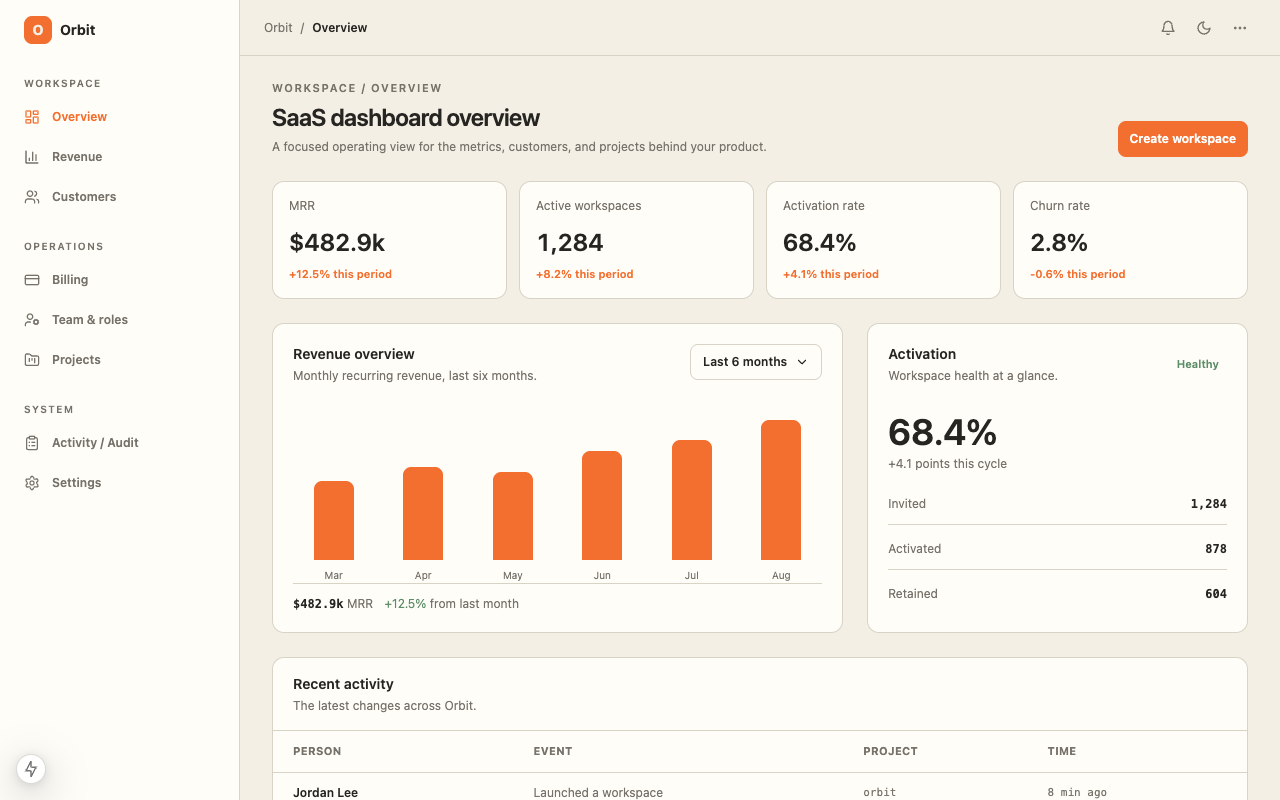
Admin Panel DESIGN.md

Admin Panel DESIGN.md

A launch-ready admin panel style file for AI coding agents, with typography, spacing, component rules, and layout taste.

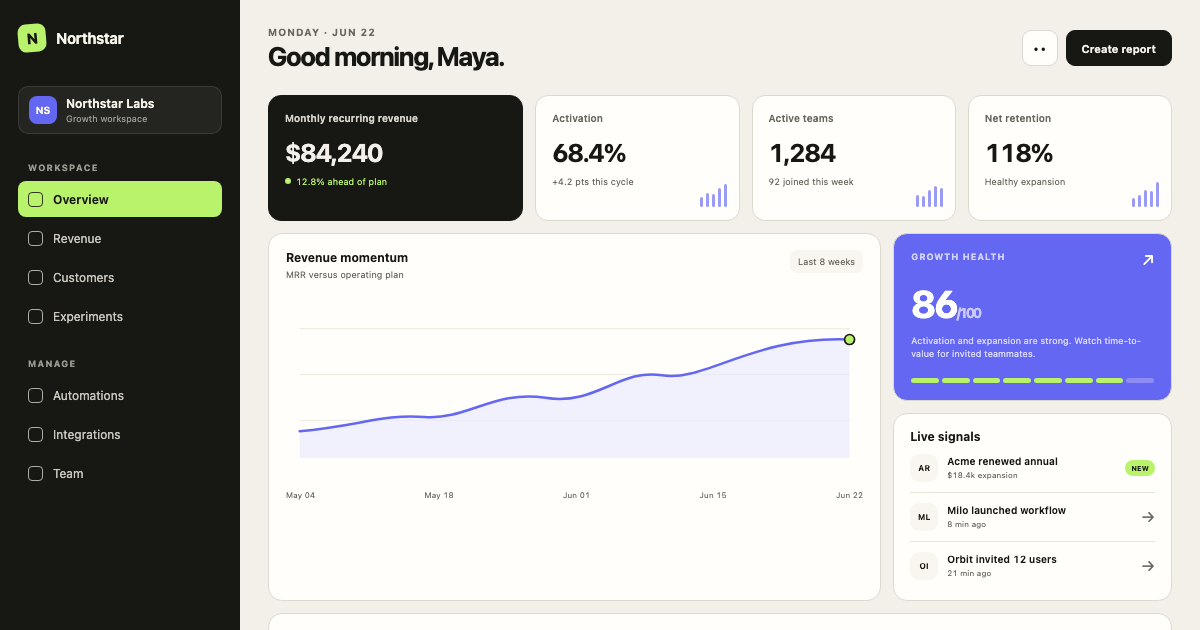
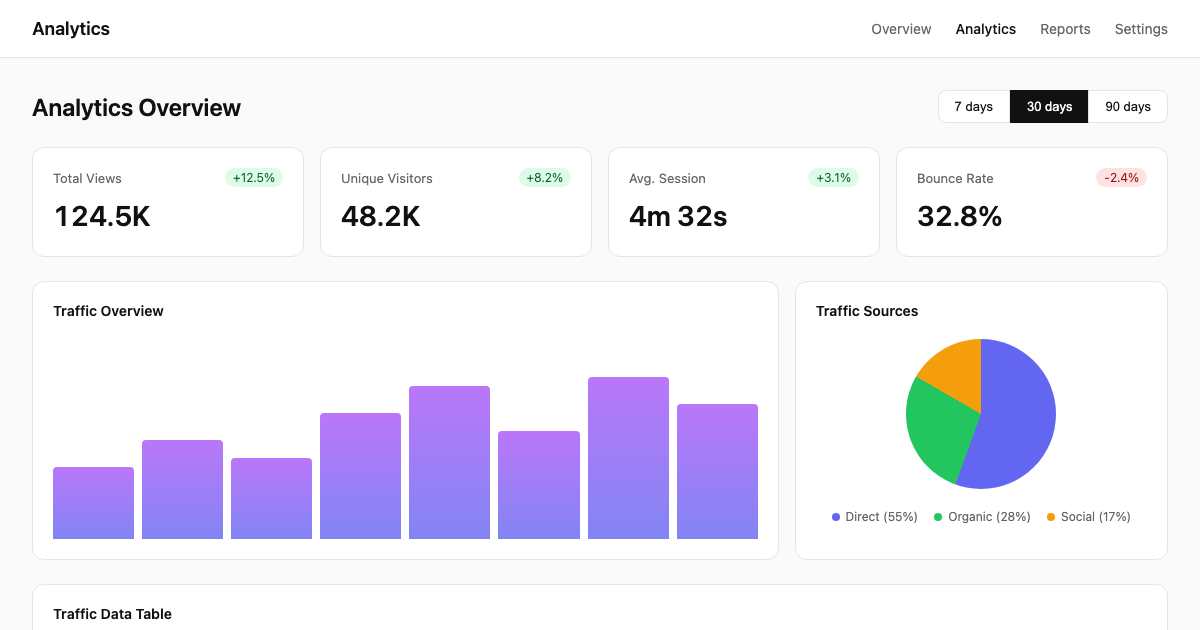
Analytics Dashboard DESIGN.md

Analytics Dashboard DESIGN.md

A launch-ready analytics dashboard style file for AI coding agents, with typography, spacing, component rules, and layout taste.

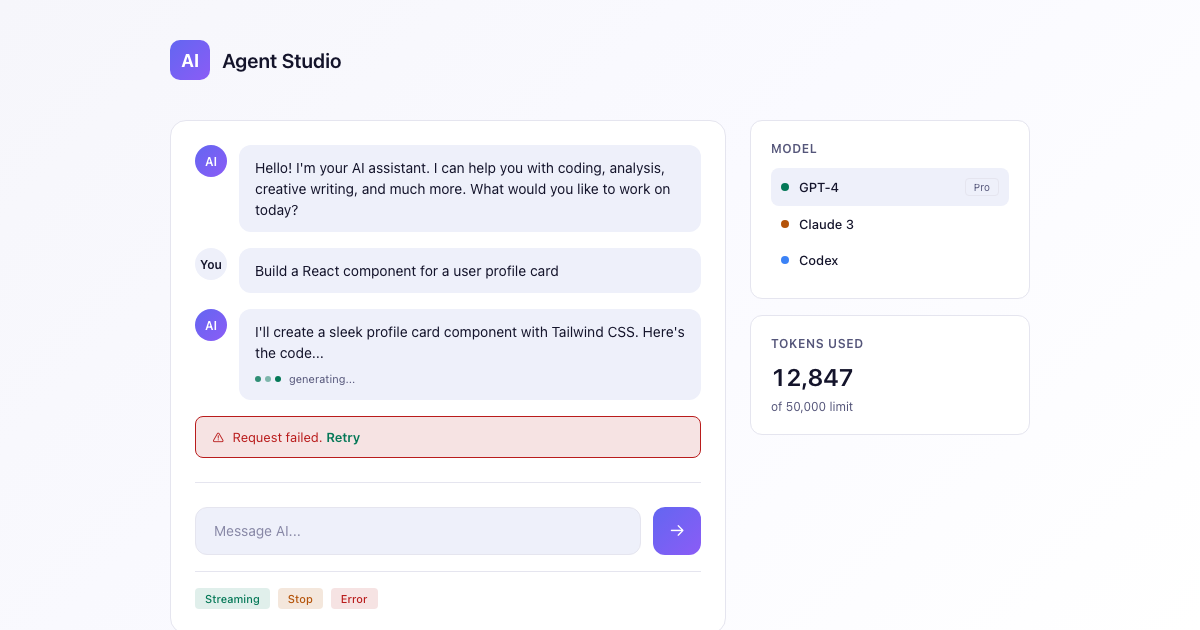
AI Chat App DESIGN.md

AI Chat App DESIGN.md

A launch-ready ai chat app style file for AI coding agents, with typography, spacing, component rules, and layout taste.

Onboarding Flow DESIGN.md

Onboarding Flow DESIGN.md

A launch-ready onboarding flow style file for AI coding agents, with typography, spacing, component rules, and layout taste.

Pricing Page DESIGN.md

Pricing Page DESIGN.md

A launch-ready pricing page style file for AI coding agents, with typography, spacing, component rules, and layout taste.

Developer Docs DESIGN.md

Developer Docs DESIGN.md

A launch-ready developer docs style file for AI coding agents, with typography, spacing, component rules, and layout taste.

How to use a DESIGN.md template

1Copy

Visit any template page and copy the complete DESIGN.md content. Each template includes design tokens, components, and layout rules ready to paste into your project.

2Paste

Create a DESIGN.md file in your project root and paste the template content. This becomes your single source of truth for design decisions.

3Reference

In your AI agent chat, reference the DESIGN.md file: "Build a settings page following the DESIGN.md specifications." The agent reads tokens, colors, and patterns automatically.

4Generate

The AI generates UI that matches your design system exactly. Colors, spacing, typography, and components all follow the documented rules. Ship faster with consistent design.

Learn more in our guide to DESIGN.md templates and Cursor-specific workflow.

What are DESIGN.md templates?

DESIGN.md templates are production-ready design specifications that AI coding agents can read and implement directly. Each template includes a complete design system: color tokens, typography scales, spacing rules, component specifications, and layout guidelines — all optimized for AI consumption.

Whether you are building a SaaS dashboard, landing page, AI application, or admin panel, these templates give you a head start. Copy the DESIGN.md content, paste it into your project, and tell Cursor, Claude Code, or Codex to follow the specifications. The result is consistent, polished UI that matches your brand without endless back-and-forth.

Unlike traditional design files, DESIGN.md is text-based and version-controlled. It lives in your repo, travels with your code, and gets consumed by AI agents as context. This is design documentation built for the AI-native workflow.

Frequently asked questions