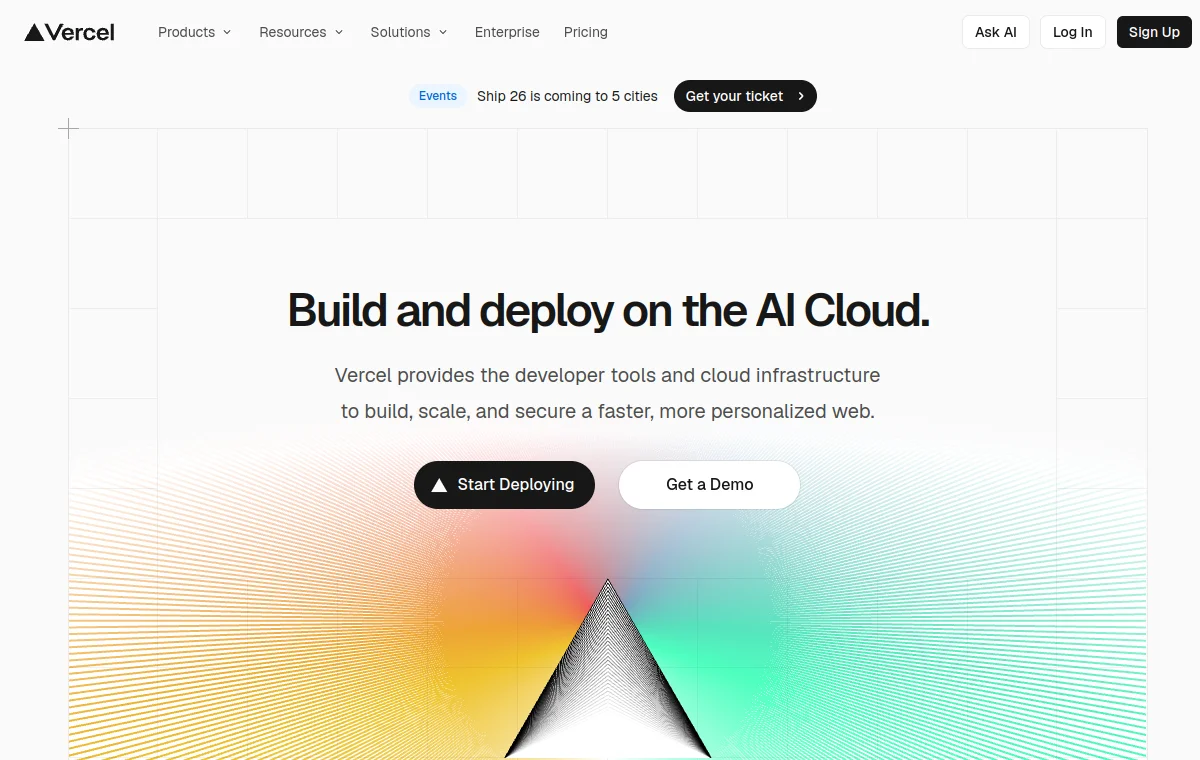
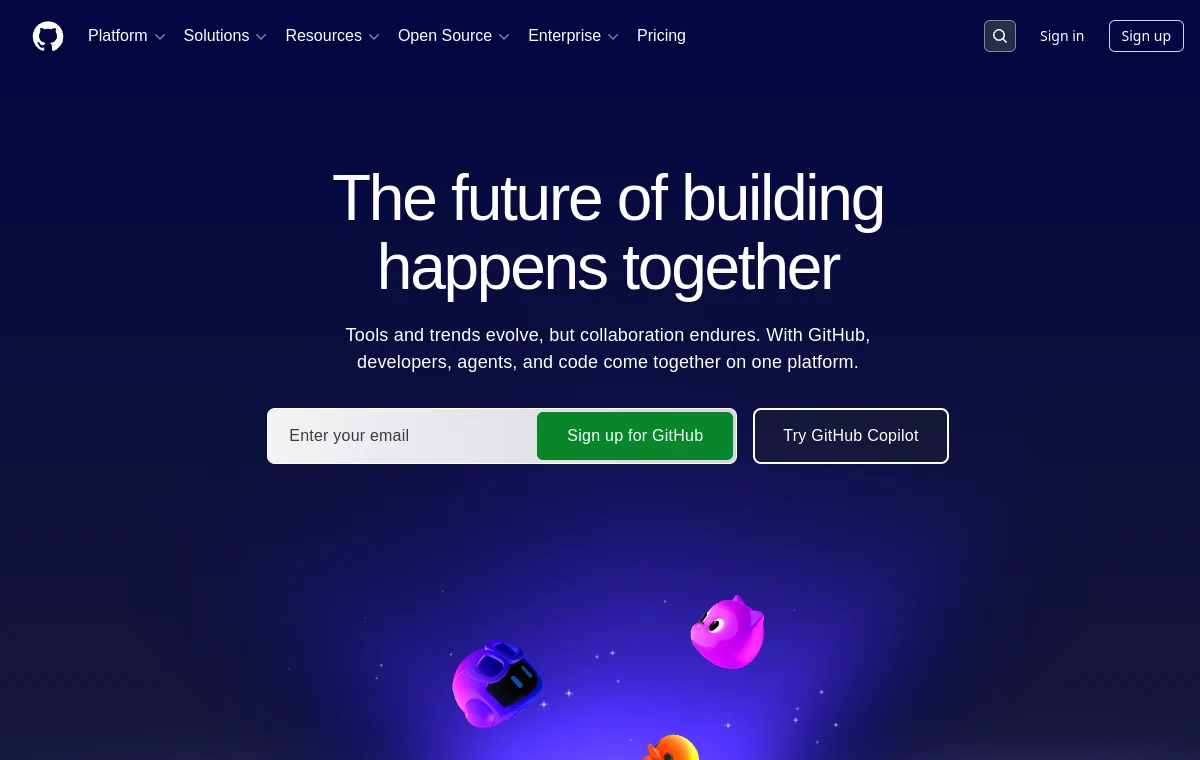
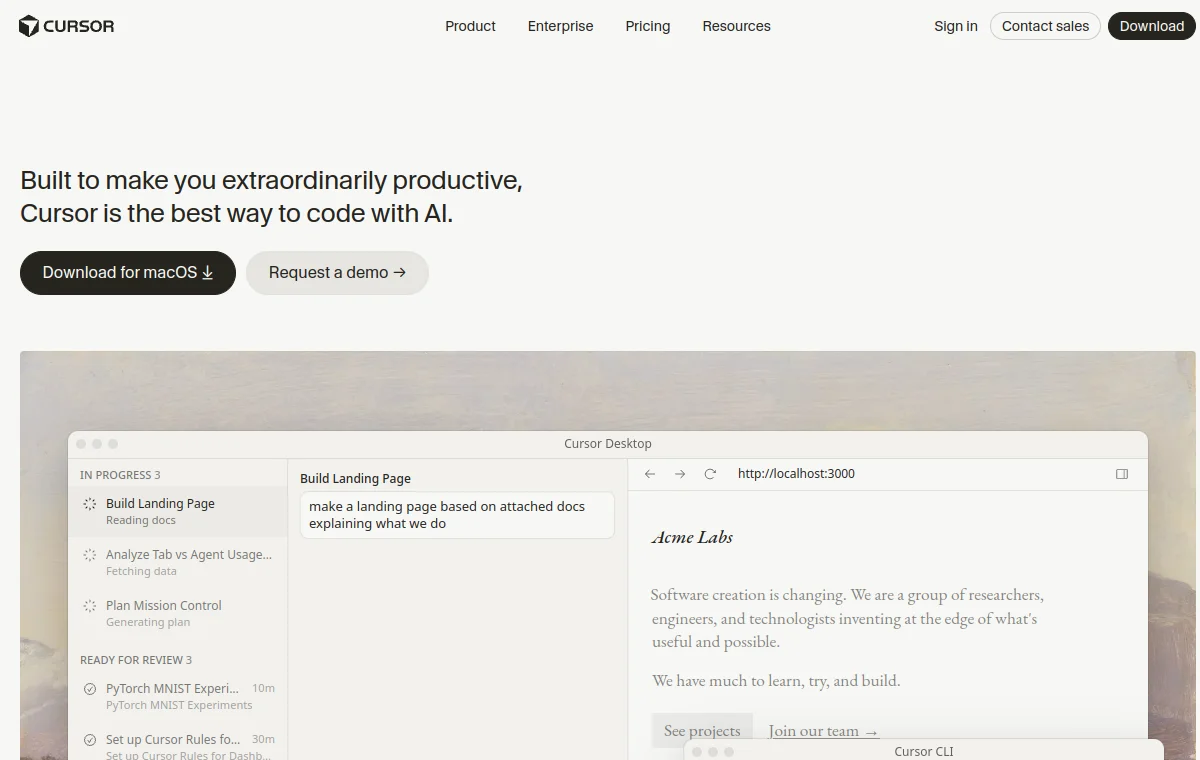
v0 by Vercel DESIGN.md for AI coding agents

AI UI generator. Dark, minimal, Vercel aesthetic.
New to using DESIGN.md with v0?
Start with the full workflow guide for pasting this file into v0’s project instructions or prompt box, then come back here to copy the reference.
Read the DESIGN.md for v0 guide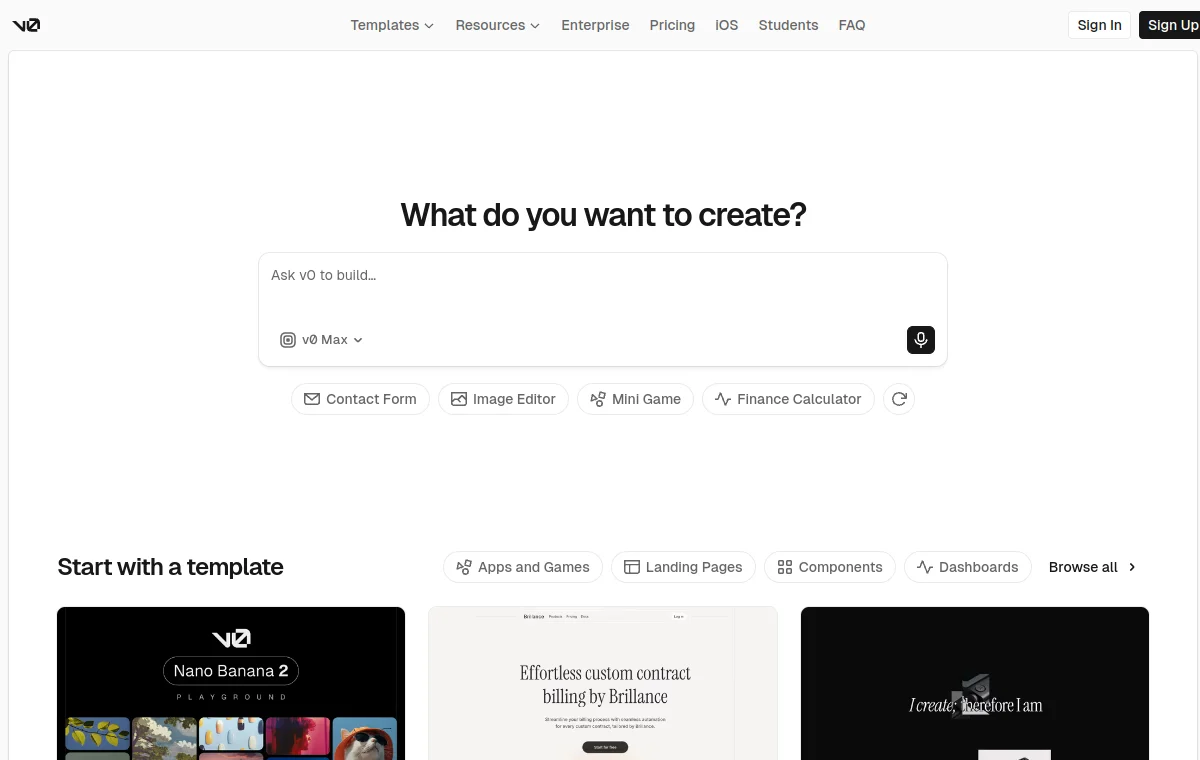
Design System Overview
v0 is Vercel’s AI UI generator: describe a screen or upload a screenshot and it scaffolds working React and Next.js components you can keep editing in its browser IDE or ship straight to a Vercel deployment. Unlike a static component library, v0 regenerates UI on every prompt, so without an explicit style reference it drifts toward generic AI-default layouts.
v0’s own interface commits to a dark, near-black canvas with one crisp neutral-blue prompt box as the sole saturated element — the same restraint Vercel applies across its dashboard products. This DESIGN.md captures that palette, the gray scale it layers text and surfaces on top of, and the soft directional gradients v0 uses to separate panels instead of hard borders or shadows.
Step 1 — Paste into project instructions
Open a v0 project, go to its instructions or settings panel, and paste the full DESIGN.md so every screen generated in that project inherits the same tokens automatically.
Step 2 — Or drop it above a one-off prompt
For a single generation, paste the file directly above your prompt in v0’s prompt box and ask v0 to follow it exactly — no persistent project required.
Step 3 — Treat it as a constraint, not inspiration
Ask v0 to match the hex values and gradients exactly rather than "draw inspiration" from them. Left unconstrained, v0 defaults to generic SaaS styling even with a reference file attached.
What to study
- How v0 uses a single neutral-blue prompt box as the one saturated element against an otherwise monochrome interface.
- How the near-black and near-white neutral scale carries both dark and light surfaces without a second accent color.
- How soft directional gradients soften panel edges instead of relying on borders or shadows for separation.
Browse more design and creative tools design systems or explore the full DESIGN.md directory.
Color System
Brand palette extracted from the design system. Click any swatch to copy the hex value.
Text / Primary
#e2e8f0
Accent
#d2d2d2
Surface / Background
#020202
Border / Subtle
#222222
Color Tokens
Typography Specimen
GeistSans
Display
2.8rem / 700 / 1.04
The quick brown fox
Heading H1
2rem / 700 / 1.1
The quick brown fox jumps
Heading H2
1.5rem / 600 / 1.15
The quick brown fox jumps over
Heading H3
1.125rem / 600 / 1.2
The quick brown fox jumps over the lazy
Body
1rem / 400 / 1.5
The quick brown fox jumps over the lazy dog
Small / Caption
0.75rem / 400 / 1.5
The quick brown fox jumps over the lazy dog and sat down.
Monospace
const primary = "System";
Layout & Spacing Tokens
Spacing Scale
Border Radius
Elevation & Shadow
Use with AI Coding Agents
Copy one of these prompts into your AI coding agent to apply the v0 by Vercel design system to your project. The DESIGN.md file in your repo root is the source of truth.
# .cursor/rules (or DESIGN.md)
You are working in a project that uses the v0 by Vercel design system.

Read the DESIGN.md file in this project root and follow it strictly when generating UI.
Match the brand's exact colors, typography, spacing scale, and border radius.
Do not create generic Tailwind UI — apply the visual language from DESIGN.md.

Key rules:
- Use the defined color palette, not arbitrary hex values
- Apply the correct font family and weight scale
- Follow spacing tokens (4/8/12/16/24/32px scale)
- Match component patterns: buttons, cards, inputs, badges as specified