Analytics Dashboard
A light, chart-forward analytics DESIGN.md: clean white canvas, near-black ink, a restrained indigo/purple data palette, tabular KPIs, and accessible chart-and-table pairing.
Preview
Image$39Open the full preview to inspect theme and responsive behavior.
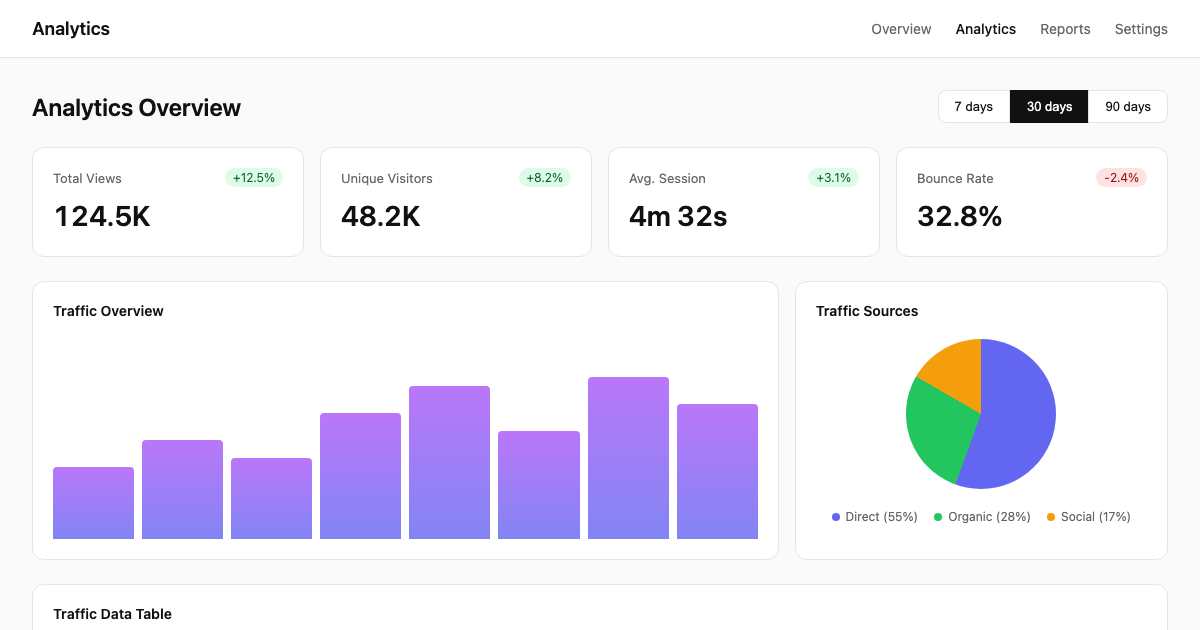
Purchase to unlock the complete system
The preview stays visible. The runnable source, DESIGN.md context, prompts, tokens, and implementation files become available after purchase.
What's in the $39 bundle
- 6 dashboard pages: Overview · Traffic · Audience · Events · Reports · Settings
- DESIGN.md
- Tokens + CSS variables
- Prompts + agent skills
- 13 reusable components
- Personal + commercial license
Stack: Next.js 15 · React 18 · TypeScript · Tailwind CSS · Lucide primitives
Source-backed gallery
Pages included
Every card maps to a route in the runnable source bundle. Open the matching preview path to inspect its route context, then use the ZIP for the runnable source.

Overview
Read the headline KPIs and current conversion signal.
source-template/components/dashboard.tsx

Traffic
Compare traffic sources and time-series performance.
source-template/components/dashboard.tsx

Audience
Inspect cohort and segment composition.
source-template/components/dashboard.tsx

Events
Filter event activity and inspect empty ranges.
source-template/components/dashboard.tsx

Reports
Package filtered analysis into repeatable reports.
source-template/components/dashboard.tsx

Settings
Configure analytics workspace preferences.
source-template/components/dashboard.tsx
Public design system
Charts that read at a glance, chrome that gets out of the way
Every chart ships with a paired data table or text summary — no chart-only screen that fails without color vision or a mouse. KPI hierarchy, chart color roles, filter behavior, table rhythm, and responsive collapse are locked down so an agent extends the pattern instead of inventing a new one per chart.
Token roles
- Ink — Headings, values, actions
- Indigo — Primary data series
- Purple — Secondary data series
- Light Canvas — Page background
- Light Surface — Cards, chart panels
- Light Subtle — Hover rows, quiet fills
Typography and rhythm
- Display: Inter, -apple-system, BlinkMacSystemFont, sans-serif
- Body: Inter, -apple-system, BlinkMacSystemFont, sans-serif
- Spacing base: 4px
- Scale: 4 · 8 · 12 · 16 · 20 · 24 · 32 · 40 · 48px
- Responsive rules: Desktop (>1024px): multi-column charts, 4-KPI stat row Tablet (768–1024px): two-column charts, 2-KPI grid
What is included in the download
The paid ZIP contains the runnable source, design contract and agent handoff artifacts. The public file tree is intentionally visible before purchase.
Run locally
cd source-template && pnpm install && pnpm devNot included: authentication, database persistence, Stripe, email, analytics providers, authorization enforcement and production API credentials.
AI-agent workflow
How to use
$read DESIGN.md --agent codexRead DESIGN.md with Codex before editing UI. Preserve local imports, responsive behavior, accessibility, and the existing local UI primitives.
Install
Run pnpm install and start the local source template.
Load context
Keep DESIGN.md, components.json, and tokens in the project root.
Extend
Use the prompts and local UI primitives before adding new patterns.
Related templates
Tokens
Color system
Named roles from the template contract. Every swatch is keyboard-copyable and includes its intended use, so the palette stays meaningful outside this preview.
Brand
Surfaces
Text
Data visualization
Status colors
| Status | Light | Dark | Usage |
|---|---|---|---|
| Success | Positive trend, healthy | ||
| Warning | Attention, plateau | ||
| Danger | Negative trend, alerts | ||
| Info | Informational, selected | ||
| Trend Up | Positive trend indicator | ||
| Trend Down | Negative trend indicator | ||
| Success Text | Text on success tint |
More templates
Related templates
Explore other ready-to-use DESIGN.md templates for your next project.
 $39
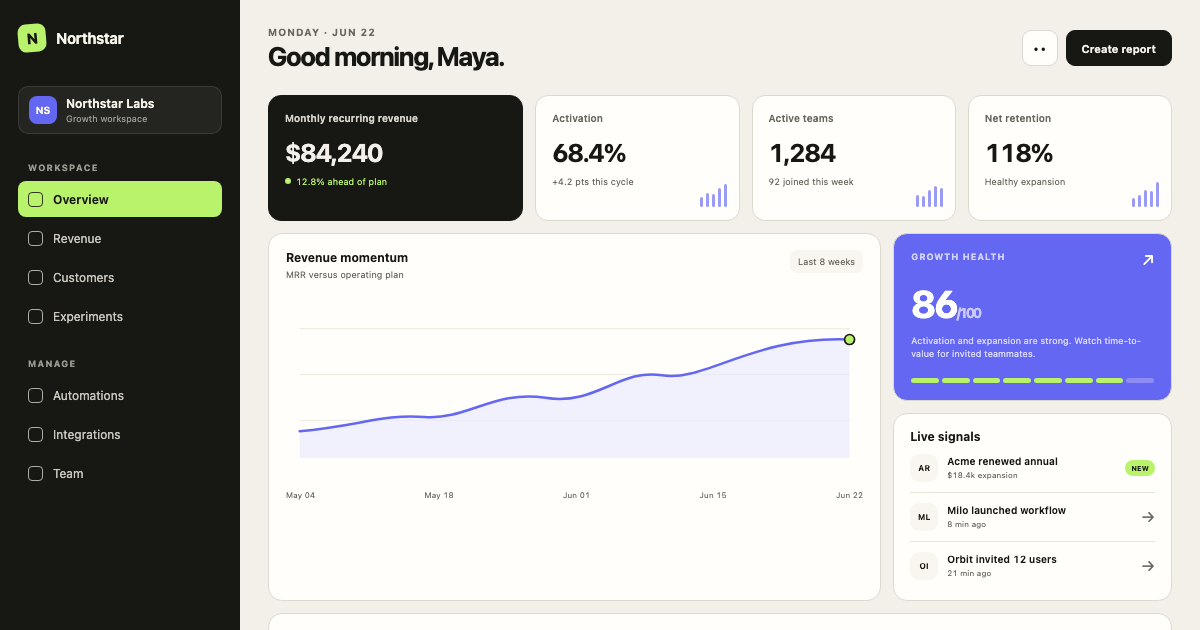
$39Minimal SaaS Dashboard
A calm, data-dense SaaS operating system with warm neutral surfaces, graphite navigation, electric signal accents, and a strict 4px grid.
 $39
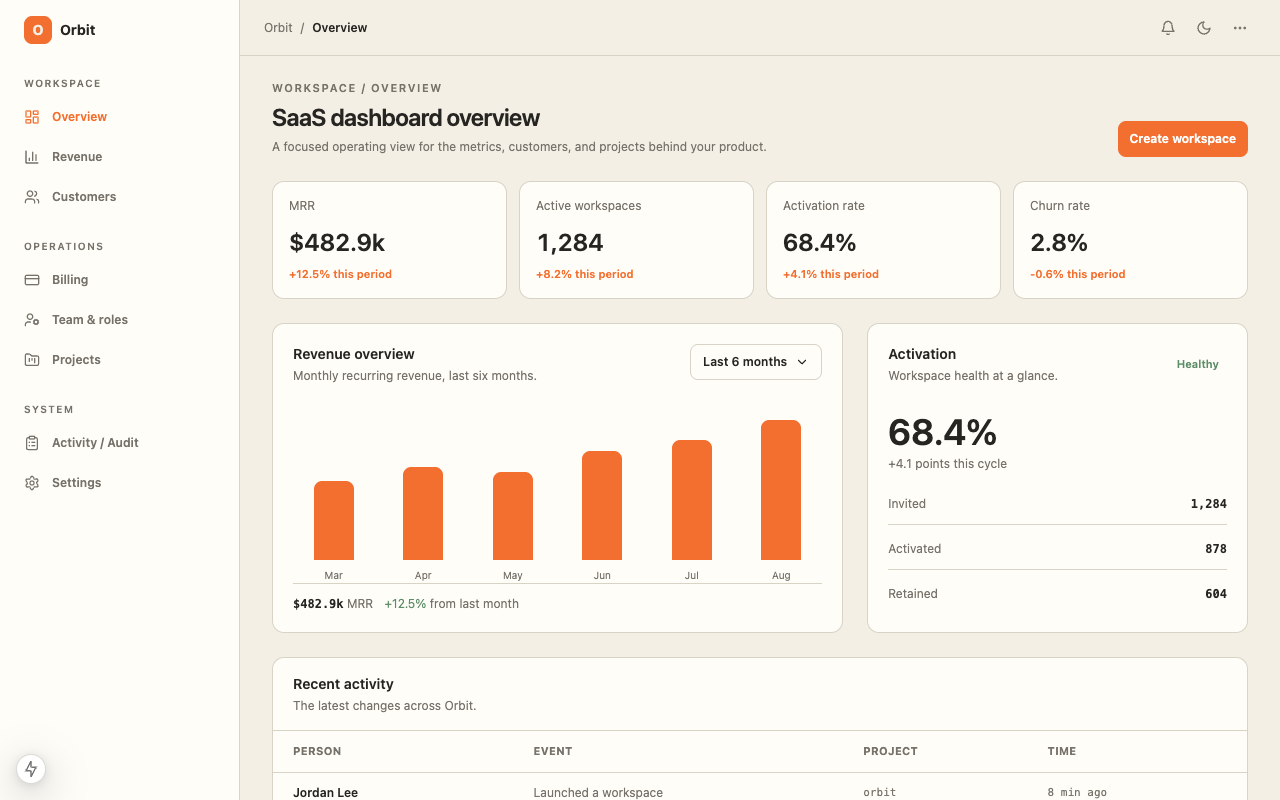
$39SaaS Dashboard
A ready-to-code SaaS dashboard starter with responsive metrics, customer operations, revenue views, and a warm operational data interface with orange and green signal colors.
 Free
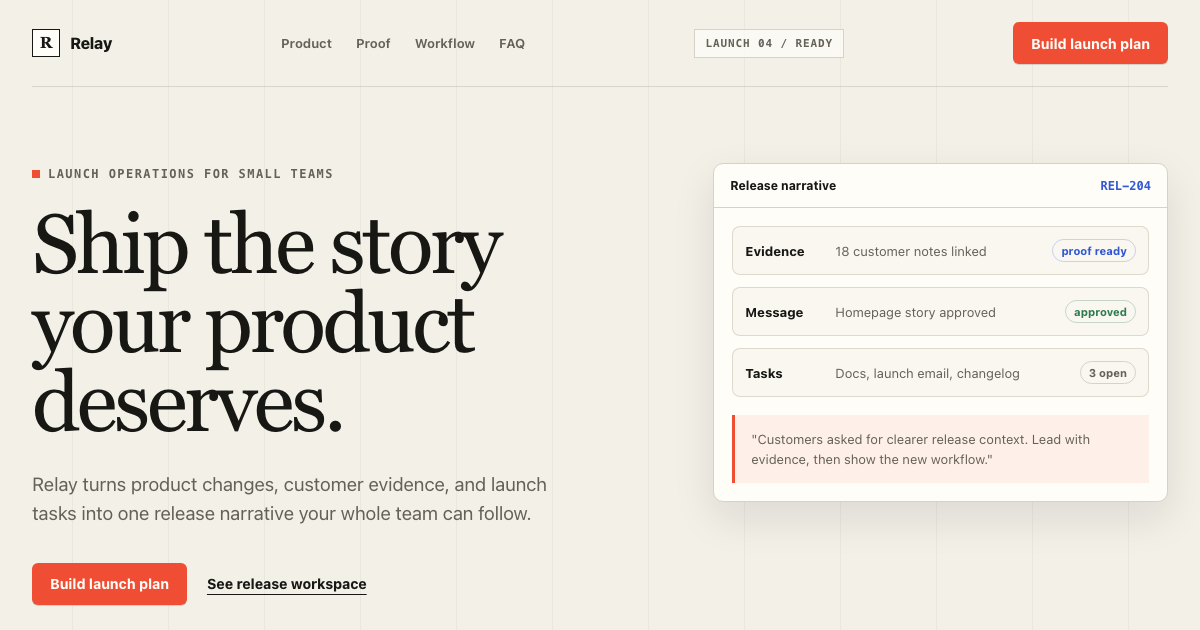
FreeEditorial Product Landing Page
A complete conversion system for product launches: warm editorial composition, signal-red action hierarchy, product evidence, section rhythm, copy limits, and mobile rules.
 $29
$29AI App Starter
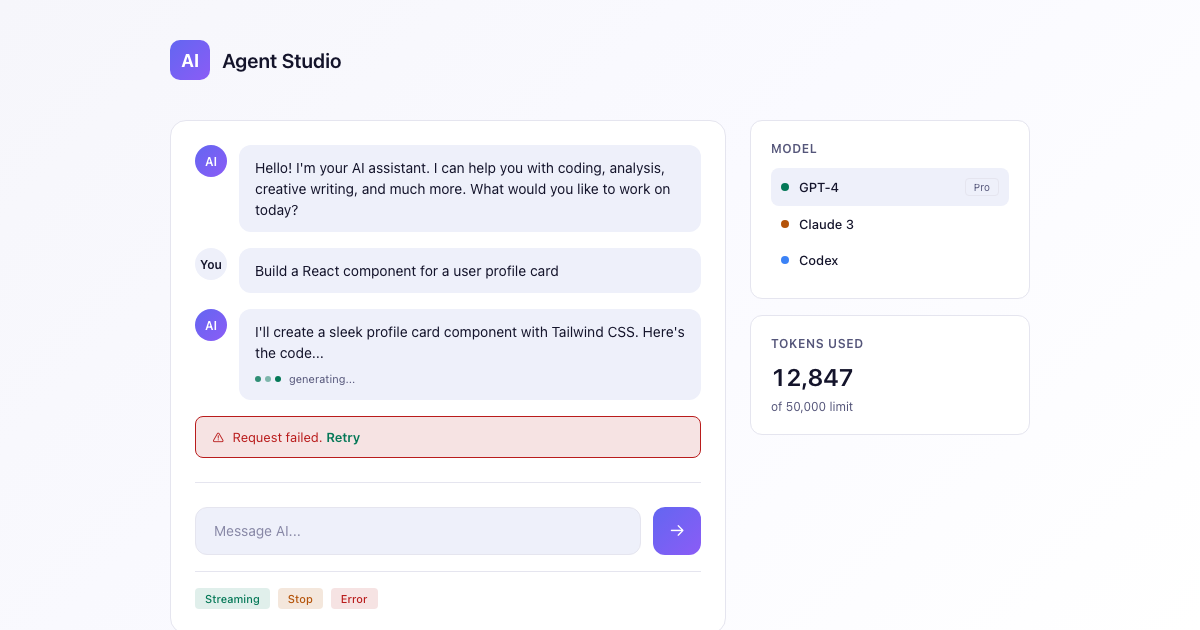
A dark-first DESIGN.md for AI apps: deep space canvas, an indigo-to-violet brand gradient reserved for generative moments, calm neutrals, and streaming-aware states.
Need to know
Frequently asked questions
Practical answers about this template, its implementation scope, and the source bundle.