designmd
TemplatesNEWSkillsDesign Systems
GuidesToolsCLIPricing

DesignMD

Discover, vote, and share the best DESIGN.md files on the internet.

♥ Support Itmeo

Products

  • Templates
  • Admin Panel Template
  • SaaS Dashboard Template
  • Skills
  • Design Systems
  • AI Studio
  • WebGradients
  • Free CSS Gradient Generator
  • Color Palette for Websites

Company

  • About
  • Blog
  • Manifesto
  • Donate

Explore

  • Changelog
  • Vercel DESIGN.md
  • shadcn DESIGN.md
  • GitHub DESIGN.md
  • DESIGN.md examples
  • llms.txt
  • ai.txt
  • Sitemap

Connect

  • Twitter / X
  • GitHub
  • DESIGN.md spec
  • dimabraven.com

© 2016–2026 Itmeo. All rights reserved.

PrivacyTerms
Home/DESIGN.md Files/DESIGN.md for Claude Code

DESIGN.md for Claude Code

CommunityPractical workflow notes for AI coding agents
Dima BravenDima Braven·Jan 14, 2026

Use markdown design rules as persistent product taste for Claude Code implementation sessions.
toolsclaude-codeworkflowdesign-md
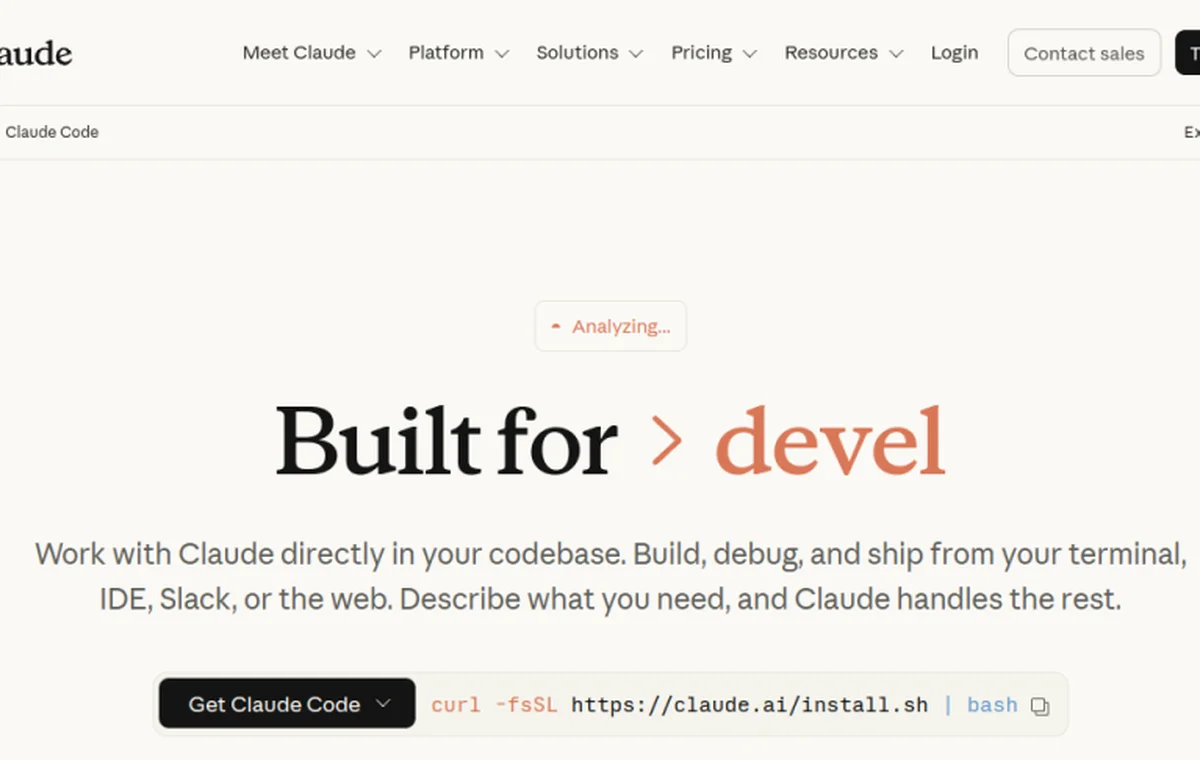
DESIGN.md for Claude Code screenshot
CursorClaude CodeCodexGoogle Stitch

Sign in to copy full DESIGN.md files, download .md files, and save styles.

# DESIGN.md for Claude Code

## What this is
Claude Code memory files are a natural place to route UI tasks toward DESIGN.md while keeping engineering workflow in CLAUDE.md.

This page is for teams that want Claude Code to make frontend changes with product taste, not just pass tests.

## Why this page exists in DesignMD
This reference is not a scraped brand style page. It is a workflow page for teams that want to pair Claude Code memory documentation with a durable DESIGN.md file.
Use it when an AI builder needs visual taste before it edits Tailwind classes, creates React components, or turns a prompt into a working interface.
The goal is practical: make the agent read a small design contract before it starts guessing color, density, hierarchy, radius, and component behavior.

## How DESIGN.md fits the workflow
- Add one CLAUDE.md bullet: before UI work, read DESIGN.md.
- Keep product-specific design files close to the app when the repo has multiple products.
- Ask Claude to name the design sections it applied before editing large surfaces.
- Use command checks for correctness and screenshots for visual acceptance.
- Update DESIGN.md after repeated feedback so the same correction is not repeated manually.
- Keep DESIGN.md close to the source code, usually in the project root or beside the frontend app that owns the product surface.
- Treat the file as a living design contract. Update it after visual decisions change, not only after a full redesign.
- Reference the file explicitly in your coding-agent instructions so it is read before UI work begins.
- Prefer concrete values over adjectives. Agents follow `--radius-card: 8px` more reliably than "make it polished".
- Pair visual rules with acceptance checks: responsive behavior, hover states, empty states, error states, and accessibility.

## Recommended DESIGN.md structure
A useful DESIGN.md for this workflow should be readable by a human reviewer and precise enough for an agent.

### Product feel
- Define the product category and emotional target in one paragraph.
- Name what the interface should avoid, not only what it should become.
- Include the density target: sparse marketing, focused SaaS, data-heavy console, or code-first tool.

### Color
- Put canonical color values in CSS variables or token names.

For makers

Get your product in context

Add your tool/site or create the DESIGN.md first. Every listing is reviewed before publication.

Add your tool/site · $19Create my DESIGN.md
See full pricing

Design System Overview

This community was written by DesignMD to make an AI-agent workflow concrete. It is independent guidance, not an official product design file or an endorsement from the linked tool vendor.

Use it as a starting contract for repository instructions, visual tokens, component behavior, and review checks. Adapt the values to your product instead of copying them as a vendor-owned brand system.

Browse more developer tools and IDEs design systems or explore the full DESIGN.md directory.


Color System

Starter semantic tokens for this editorial workflow — not an official vendor palette. Click any swatch to copy the hex value.

Text / Primary

#111827

Accent

#3b82f6

Surface / Background

#f8fafc

Border / Subtle

#cbd5e1


Typography Specimen

Display

2.8rem / 700 / 1.04

The quick brown fox

Heading H1

2rem / 700 / 1.1

The quick brown fox jumps

Heading H2

1.5rem / 600 / 1.15

The quick brown fox jumps over

Heading H3

1.125rem / 600 / 1.2

The quick brown fox jumps over the lazy

Body

1rem / 400 / 1.5

The quick brown fox jumps over the lazy dog

Small / Caption

0.75rem / 400 / 1.5

The quick brown fox jumps over the lazy dog and sat down.

Monospace

const primary = "System";


Layout & Spacing Tokens

Spacing Scale

space-14px
space-28px
space-312px
space-416px
space-624px
space-832px
space-1248px
space-1664px

Border Radius

radius-none0px
radius-sm4px
radius-md8px
radius-lg16px
radius-xl24px
radius-full9999px

Elevation & Shadow

Flatshadow-none
XSshadow-xs
SMshadow-sm
MDshadow-md
LGshadow-lg
XLshadow-xl

Use with AI Coding Agents

Copy one of these prompts into your AI coding agent to apply the DESIGN.md for Claude Code design system to your project. The DESIGN.md file in your repo root is the source of truth.

# .cursor/rules (or DESIGN.md)
You are working in a project that uses the DESIGN.md for Claude Code design system.

Read the DESIGN.md file in this project root and follow it strictly when generating UI.
Match the brand's exact colors, typography, spacing scale, and border radius.
Do not create generic Tailwind UI — apply the visual language from DESIGN.md.

Key rules:
- Use the defined color palette, not arbitrary hex values
- Apply the correct font family and weight scale
- Follow spacing tokens (4/8/12/16/24/32px scale)
- Match component patterns: buttons, cards, inputs, badges as specified
Related DESIGN.md files

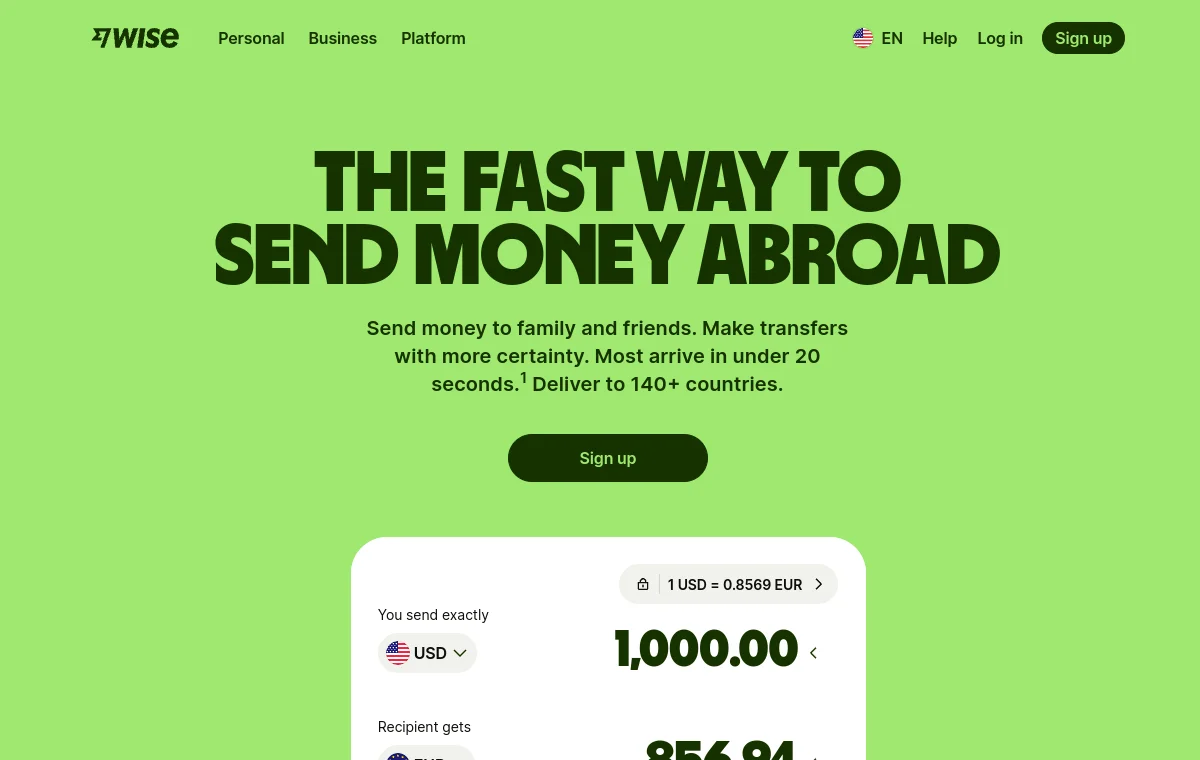
Wise

Wise

International money transfers. Fresh, transparent, accessible.

View DESIGN.md
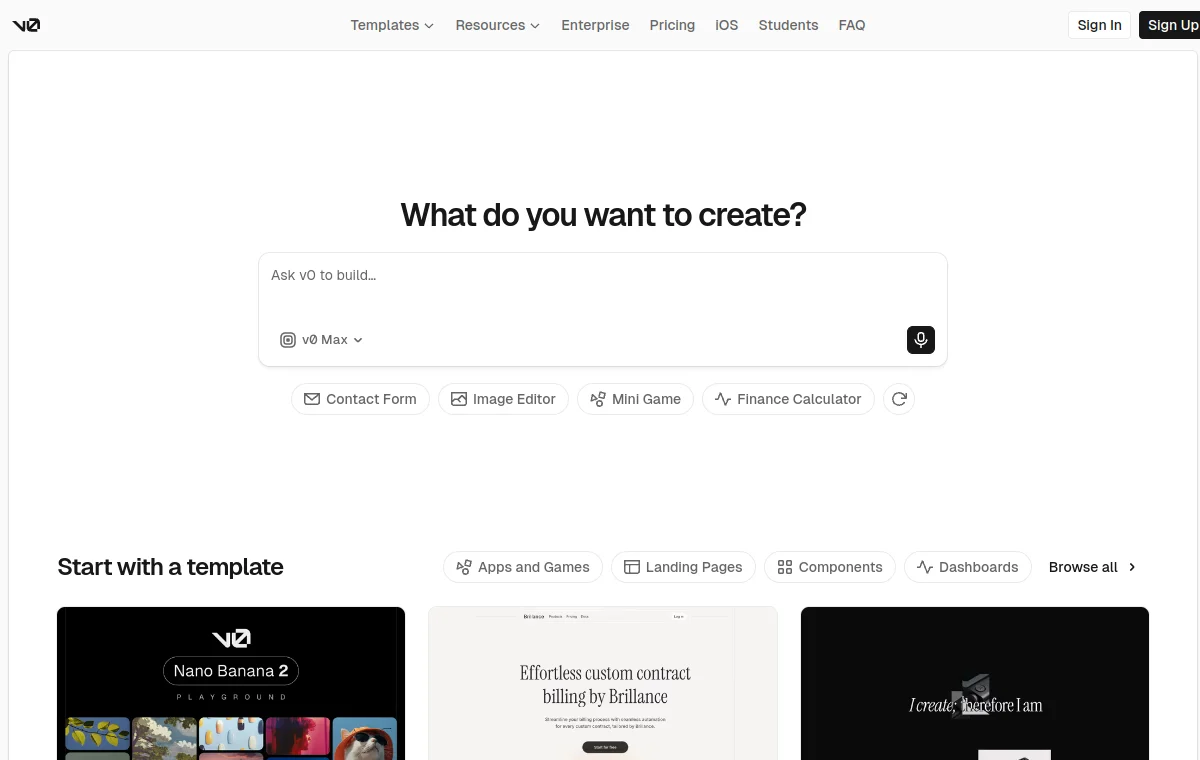
v0 by Vercel

v0 by Vercel

AI UI generator. Dark, minimal, Vercel aesthetic.

View DESIGN.md
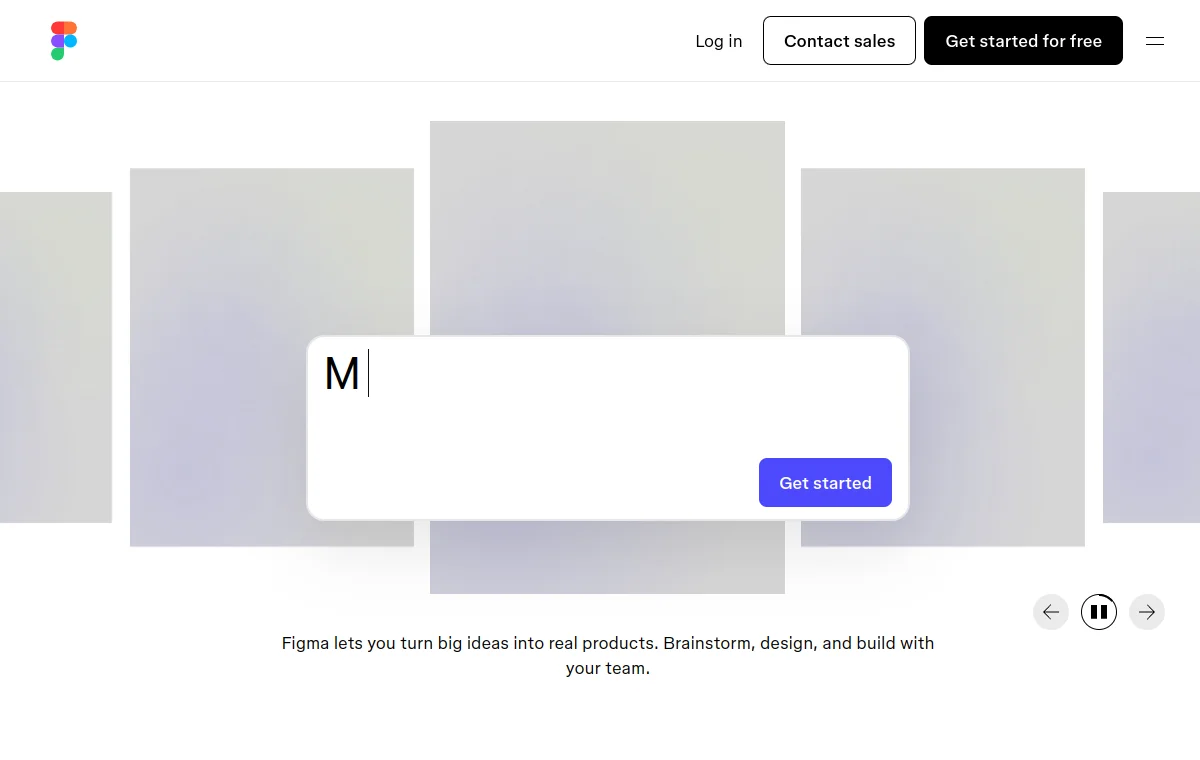
Figma

Figma

Design tool. Clean, professional, subtle brand depth.

View DESIGN.md
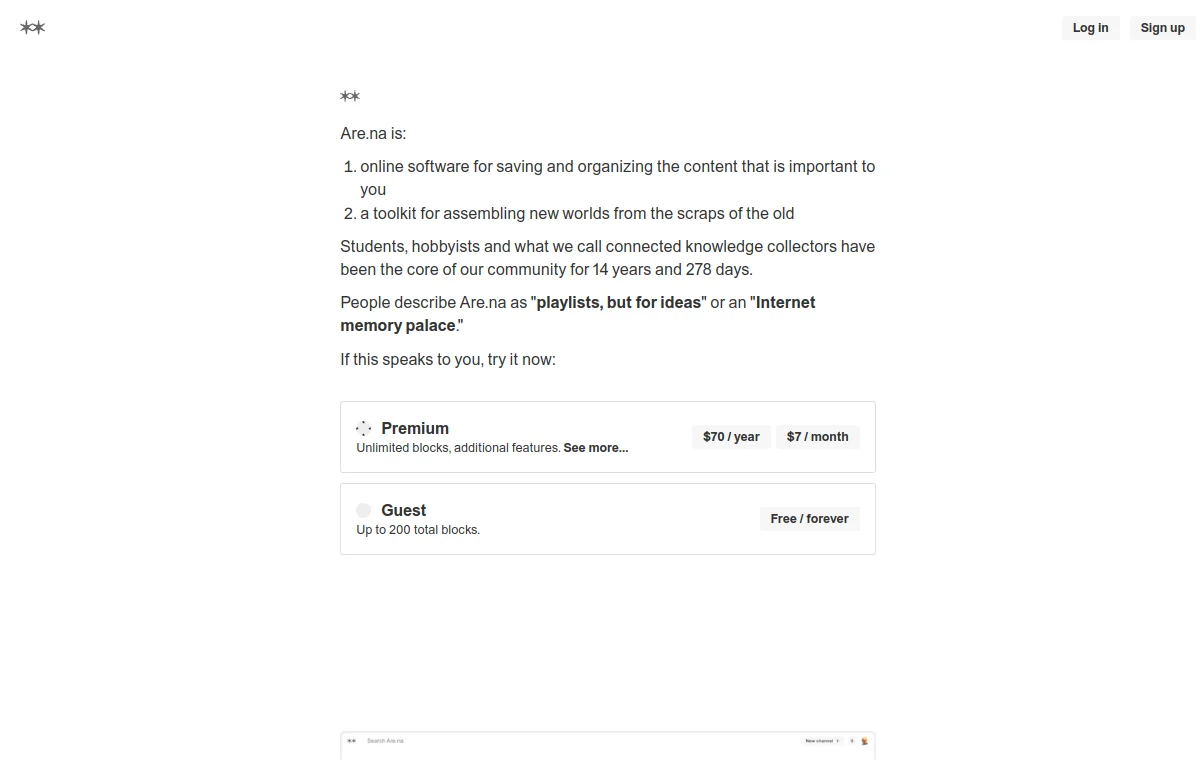
Are.na

Are.na

Research and bookmarking platform. Minimal, intellectual.

View DESIGN.md
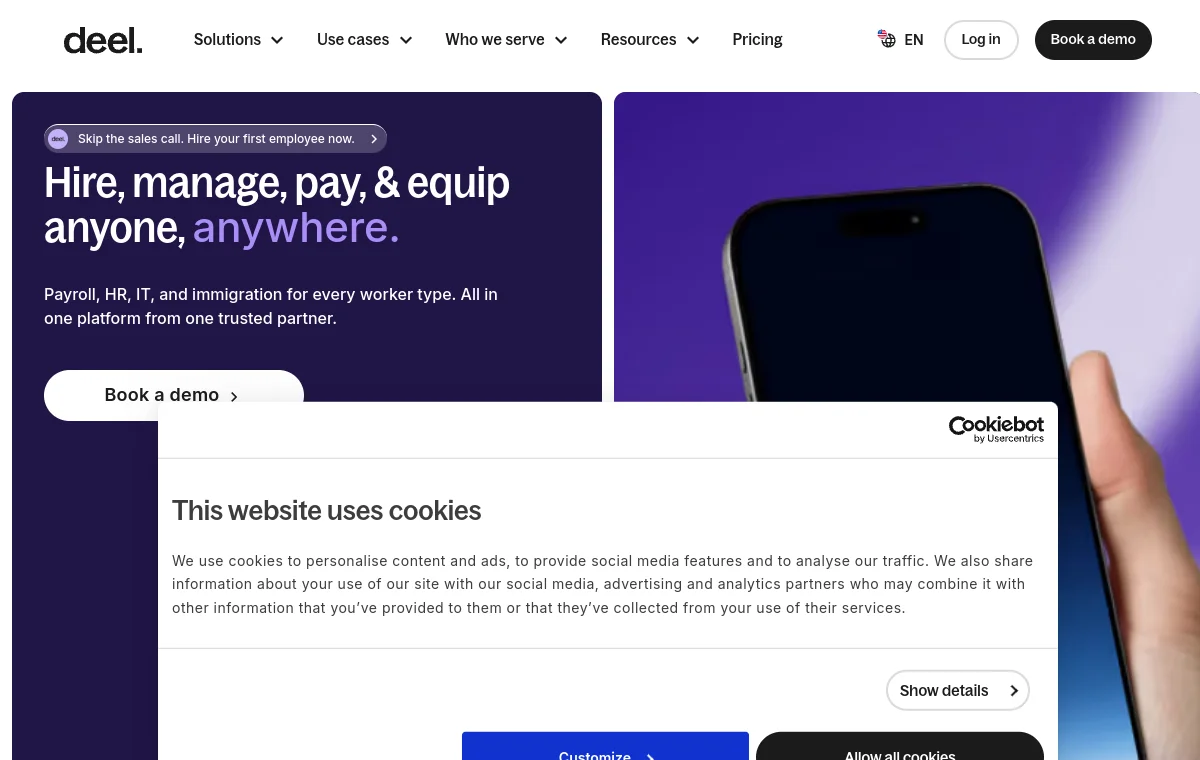
Deel

Deel

Global payroll and compliance. Clean enterprise SaaS.

View DESIGN.md
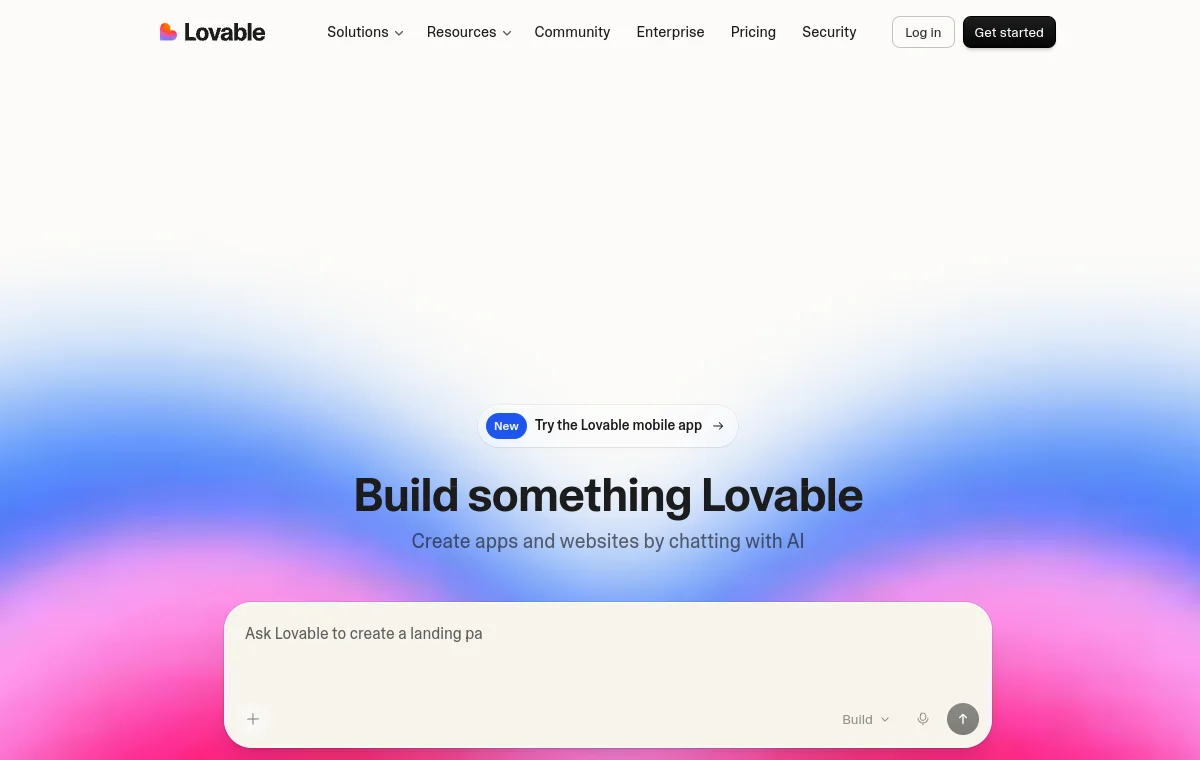
Lovable

Lovable

AI app builder. Clean, modern, product-led.

View DESIGN.md

Frequently Asked Questions