Dub.co DESIGN.md for AI coding agents

Dima BravenDima Braven·

Open-source link management. Minimal modern SaaS.
saasdevtoolopen-sourcedesign-md
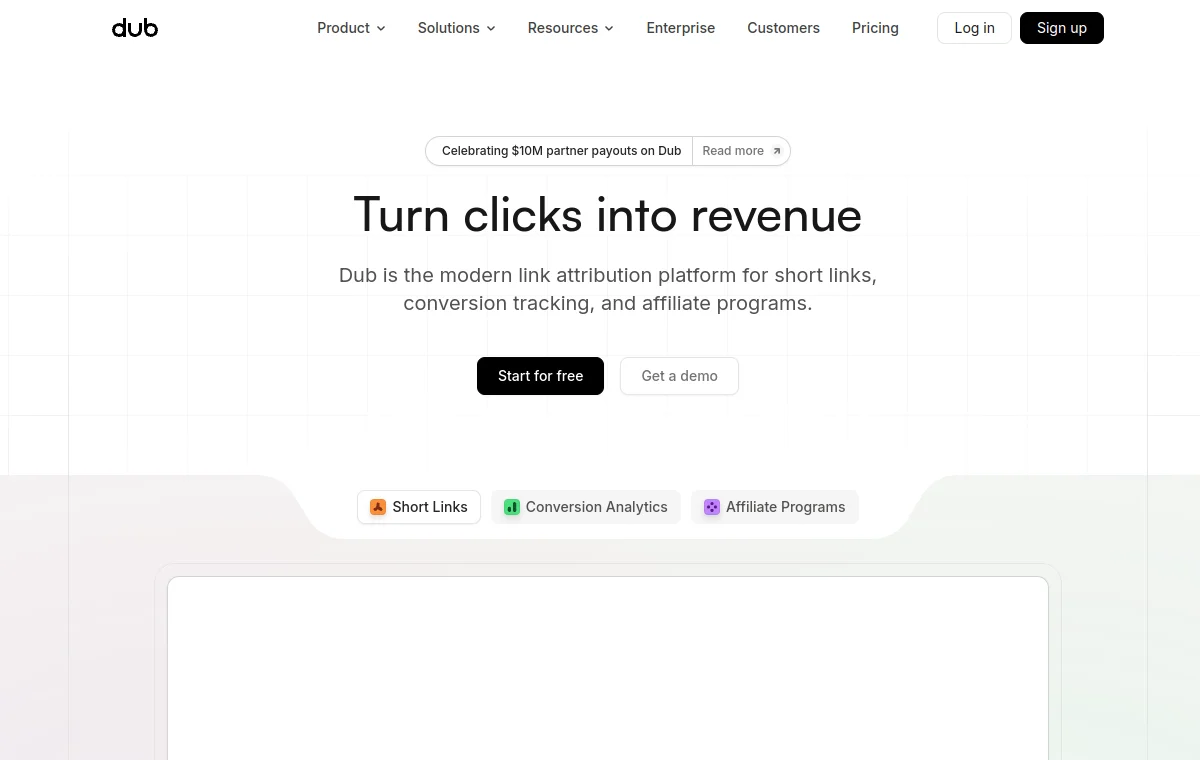
Dub.co screenshot
CursorClaude CodeCodexGoogle Stitch

Design System Overview

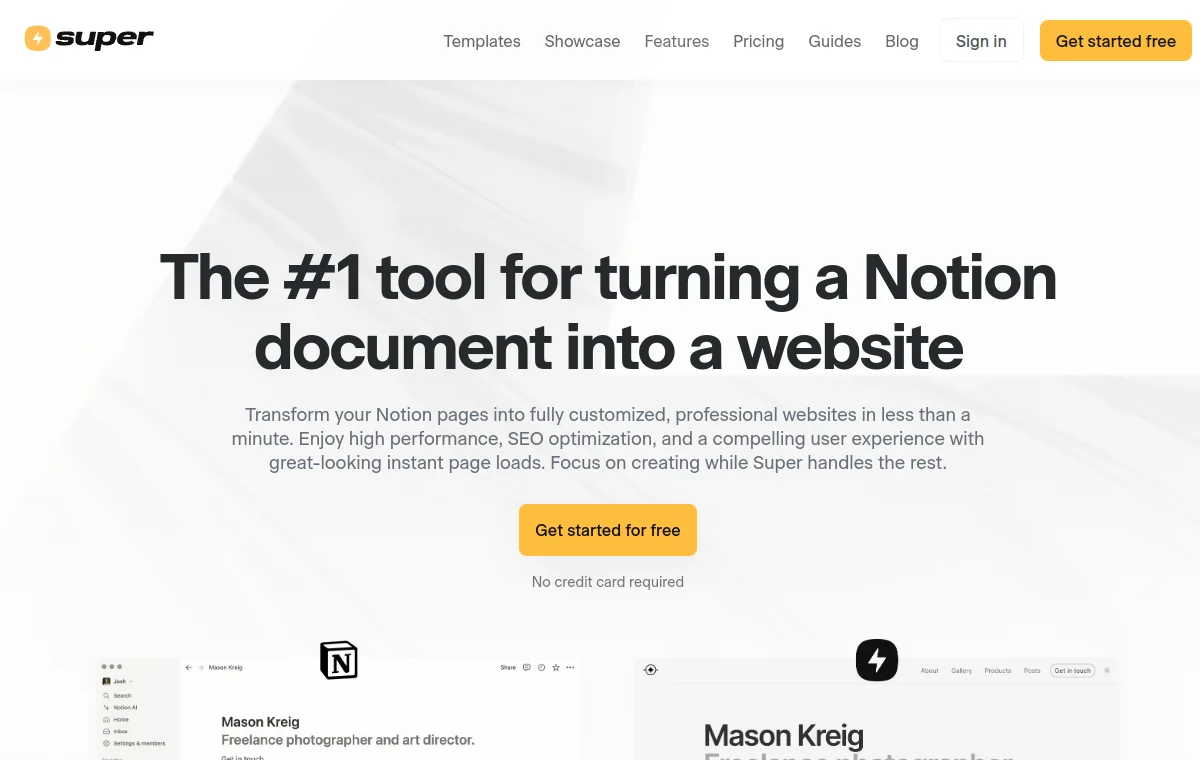
The Dub.co design system captures the visual language of a well-known design and creative tools product. This DESIGN.md file distills its color palette, typography, spacing scale, and component patterns into a format that AI coding agents can read and follow when generating UI.

Open-source link management. Minimal modern SaaS.

AI agents like Cursor, Claude Code, Codex, and Google Stitch can reference this file to produce UI that visually matches the Dub.co aesthetic — consistent colors, proportional spacing, and recognizable component patterns — without requiring explicit pixel-by-pixel instructions for every element.

Browse more design and creative tools design systems or explore the full DESIGN.md directory.


Color System

Brand palette extracted from the design system. Click any swatch to copy the hex value.

Text / Primary

#3b82f6

Accent

#f6cf54

Surface / Background

#f4b3d7

Border / Subtle

#e5e5e5


Typography Specimen

Display

2.8rem / 700 / 1.04

The quick brown fox

Heading H1

2rem / 700 / 1.1

The quick brown fox jumps

Heading H2

1.5rem / 600 / 1.15

The quick brown fox jumps over

Heading H3

1.125rem / 600 / 1.2

The quick brown fox jumps over the lazy

Body

1rem / 400 / 1.5

The quick brown fox jumps over the lazy dog

Small / Caption

0.75rem / 400 / 1.5

The quick brown fox jumps over the lazy dog and sat down.

Monospace

const primary = "System";


Layout & Spacing Tokens

Spacing Scale

space-14px
space-28px
space-312px
space-416px
space-624px
space-832px
space-1248px
space-1664px

Border Radius

radius-none0px
radius-sm4px
radius-md8px
radius-lg16px
radius-xl24px
radius-full9999px

Elevation & Shadow

Flatshadow-none
XSshadow-xs
SMshadow-sm
MDshadow-md
LGshadow-lg
XLshadow-xl

Use with AI Coding Agents

Copy one of these prompts into your AI coding agent to apply the Dub.co design system to your project. The DESIGN.md file in your repo root is the source of truth.

# .cursor/rules (or DESIGN.md)
You are working in a project that uses the Dub.co design system.

Read the DESIGN.md file in this project root and follow it strictly when generating UI.
Match the brand's exact colors, typography, spacing scale, and border radius.
Do not create generic Tailwind UI — apply the visual language from DESIGN.md.

Key rules:
- Use the defined color palette, not arbitrary hex values
- Apply the correct font family and weight scale
- Follow spacing tokens (4/8/12/16/24/32px scale)
- Match component patterns: buttons, cards, inputs, badges as specified
Spline

Spline

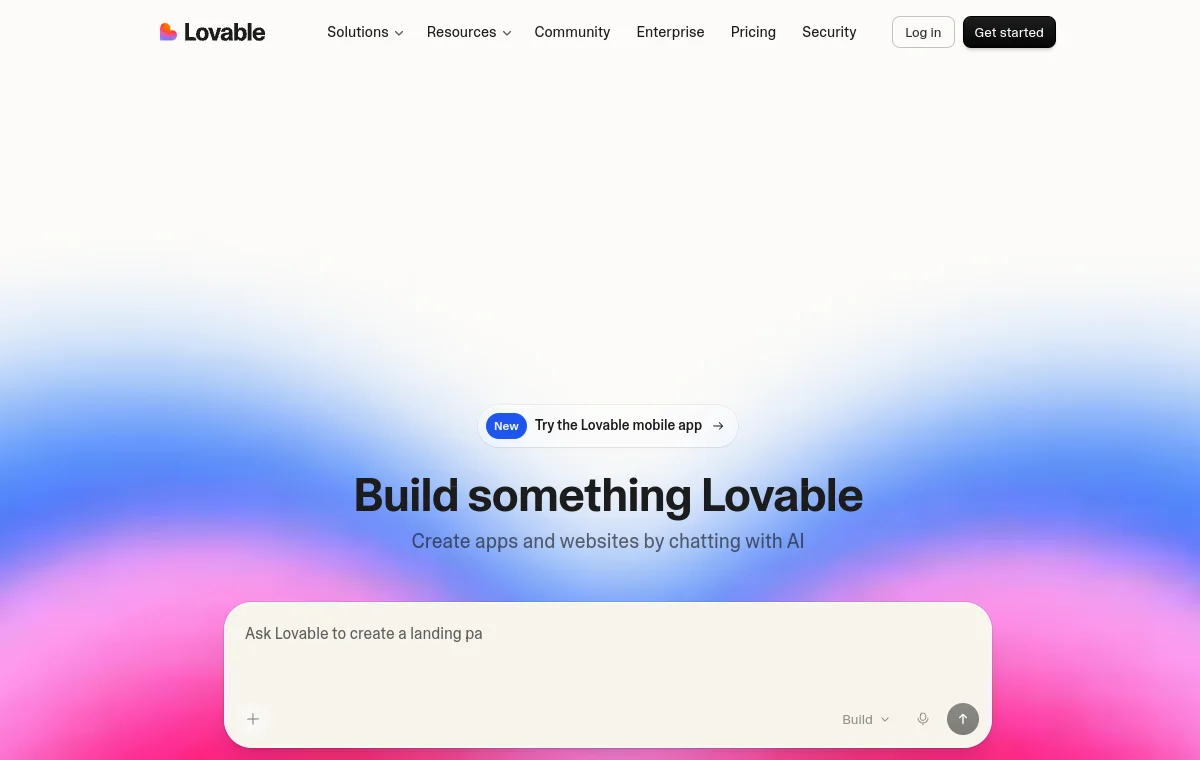
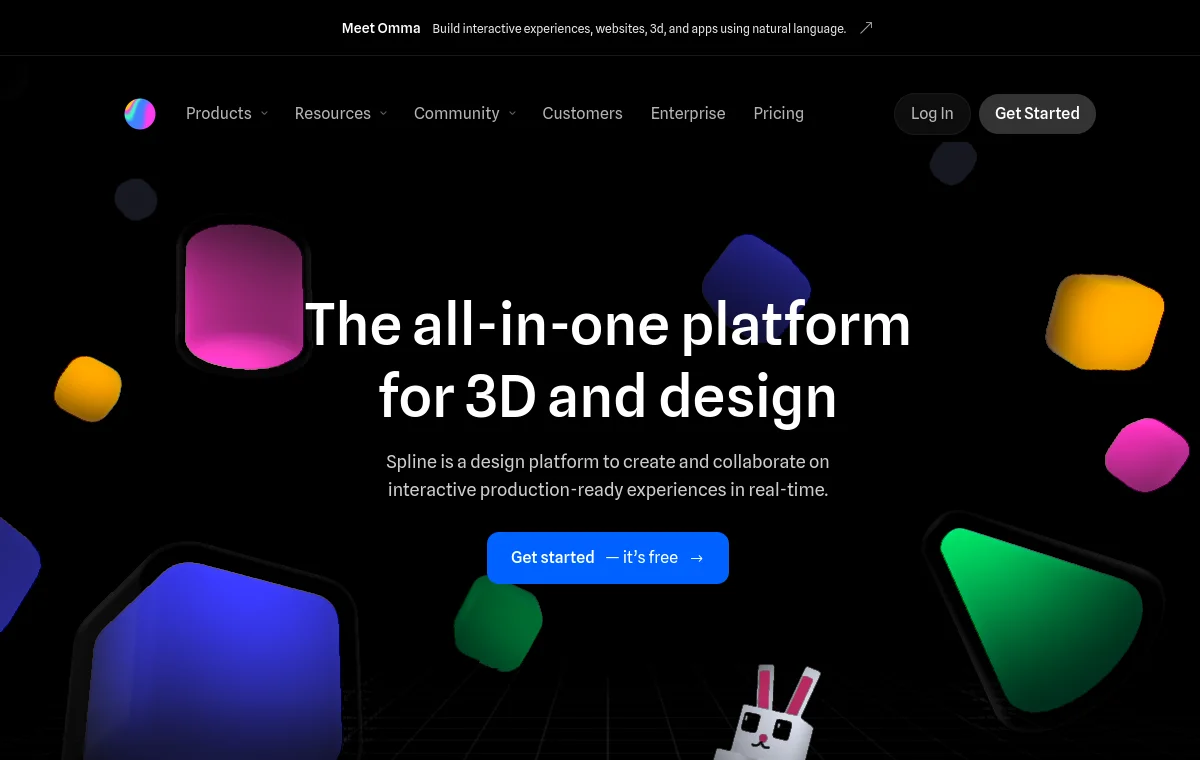
3D design tool for web. Dark, 3D-native aesthetic.

Are.na

Are.na

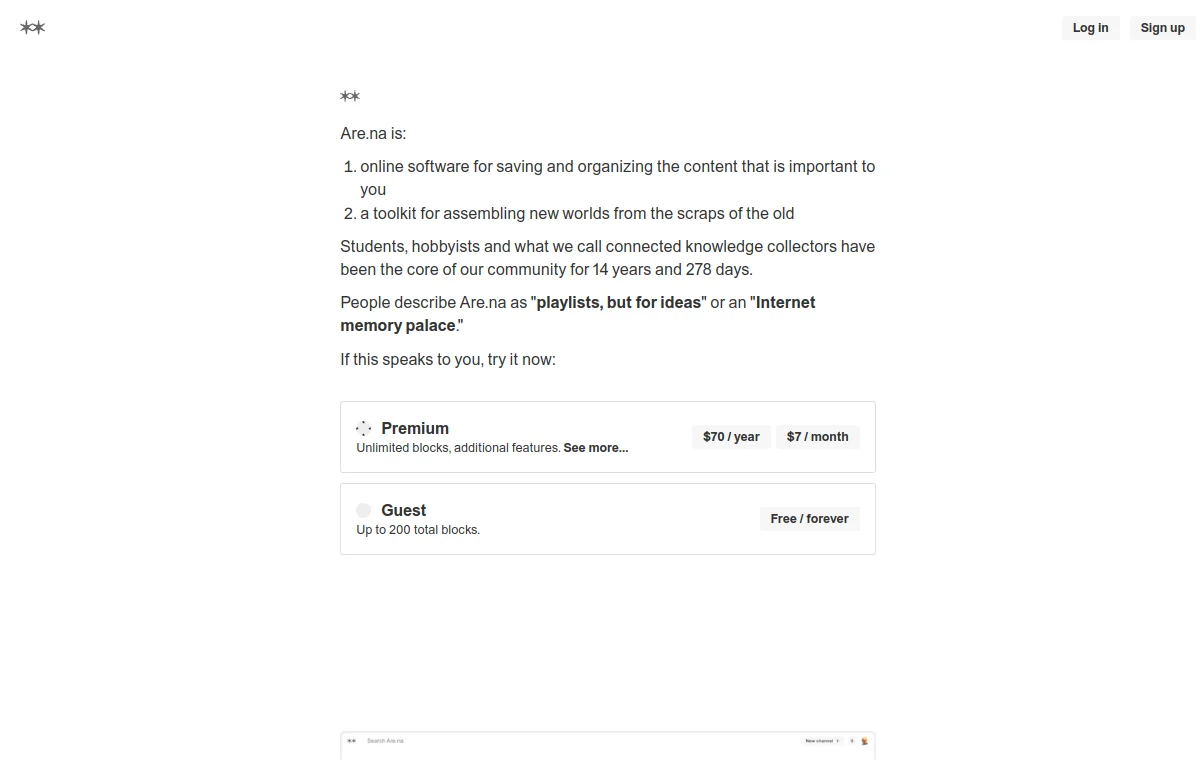
Research and bookmarking platform. Minimal, intellectual.

Plaid

Plaid

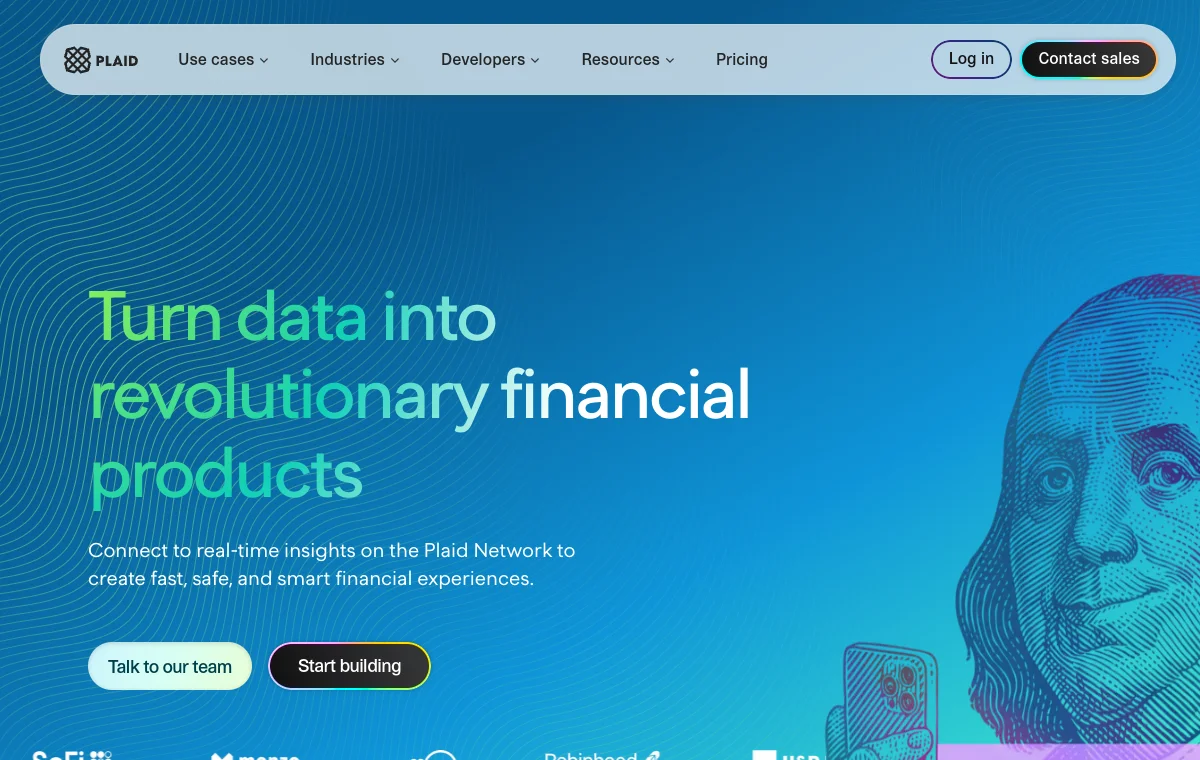
Financial data network. Dark, trustworthy, technical.

Lemon Squeezy

Lemon Squeezy

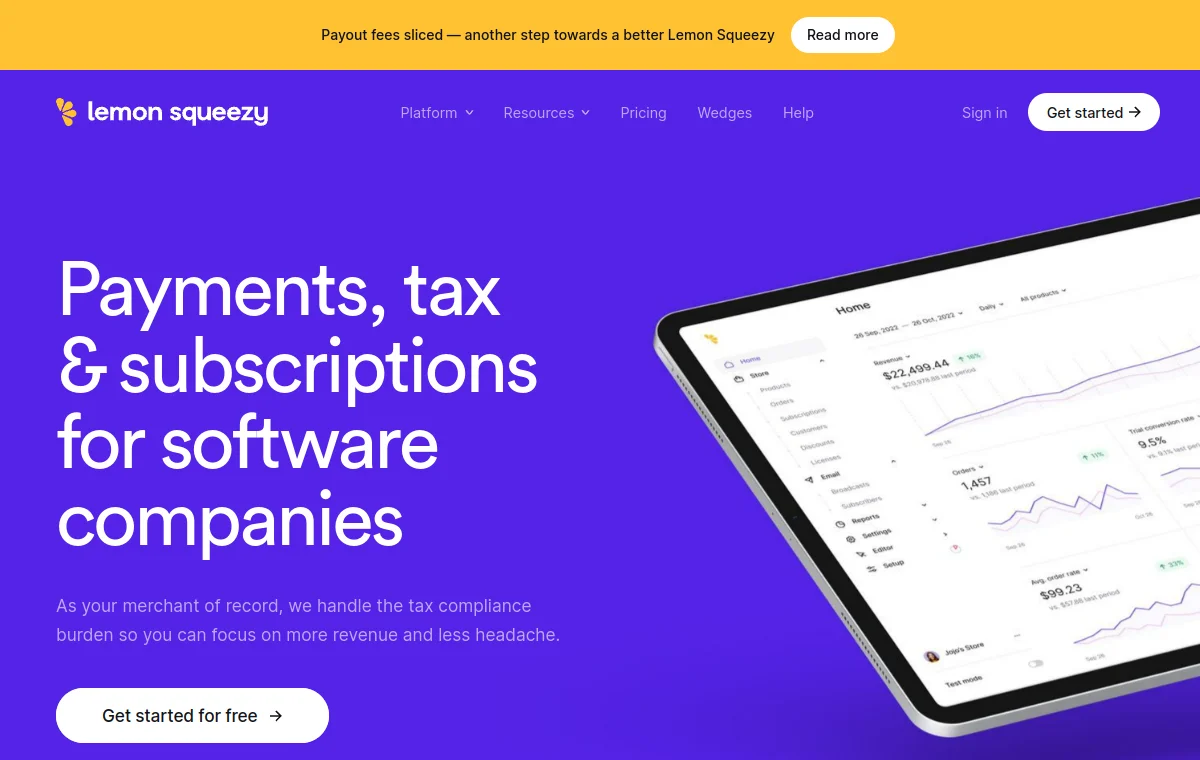
Payments for SaaS. Playful, vibrant, indie-friendly.

Super

Super

Notion-powered websites. Minimal, clean, editorial.

Frequently Asked Questions

Can I use the Dub.co DESIGN.md with Cursor, Claude Code, or Codex?

Yes. Copy the DESIGN.md file into your project root and reference it in your agent rules. For Cursor, add it to .cursor/rules. For Claude Code, include it as CLAUDE.md. For Codex, add it to your system prompt. The agent will read it and apply the Dub.co visual system to any UI it generates.

Is this an official Dub.co file?

No — this is an independent reference created for AI coding agent compatibility. It is not officially endorsed by Dub.co. The visual system was analyzed and documented to help AI agents produce UI that matches the Dub.co aesthetic. Always verify against official Dub.co documentation.

What is a DESIGN.md file?

A DESIGN.md file is a Markdown document that describes a product's visual design system in a format that AI coding agents can read and follow. It captures color palettes, typography, spacing, component patterns, and usage rules — giving AI agents like Cursor, Claude Code, and Codex a source of truth for consistent UI generation.

Can I use the Dub.co color tokens and visual style in my own project?

The design tokens and visual patterns documented here are for reference and AI agent guidance. If you are building a project inspired by the Dub.co visual style, ensure your use is consistent with Dub.co's brand guidelines and any applicable trademark or copyright rules. This file helps AI agents understand a style — it does not grant license to use proprietary brand assets.

How do I add this to my project?

Download the DESIGN.md file (requires free account) and place it in your project root. Then tell your AI agent to read it: "Read the DESIGN.md file in this project and follow its design system when generating UI." The agent will pick it up automatically in most modern AI coding tools.