DESIGN.md for shadcn/ui

How to keep shadcn-generated UI from feeling generic by documenting tokens, density, component states, and page composition for AI coding agents.
Practical article
shadcn/ui gives you primitives, not composition rules
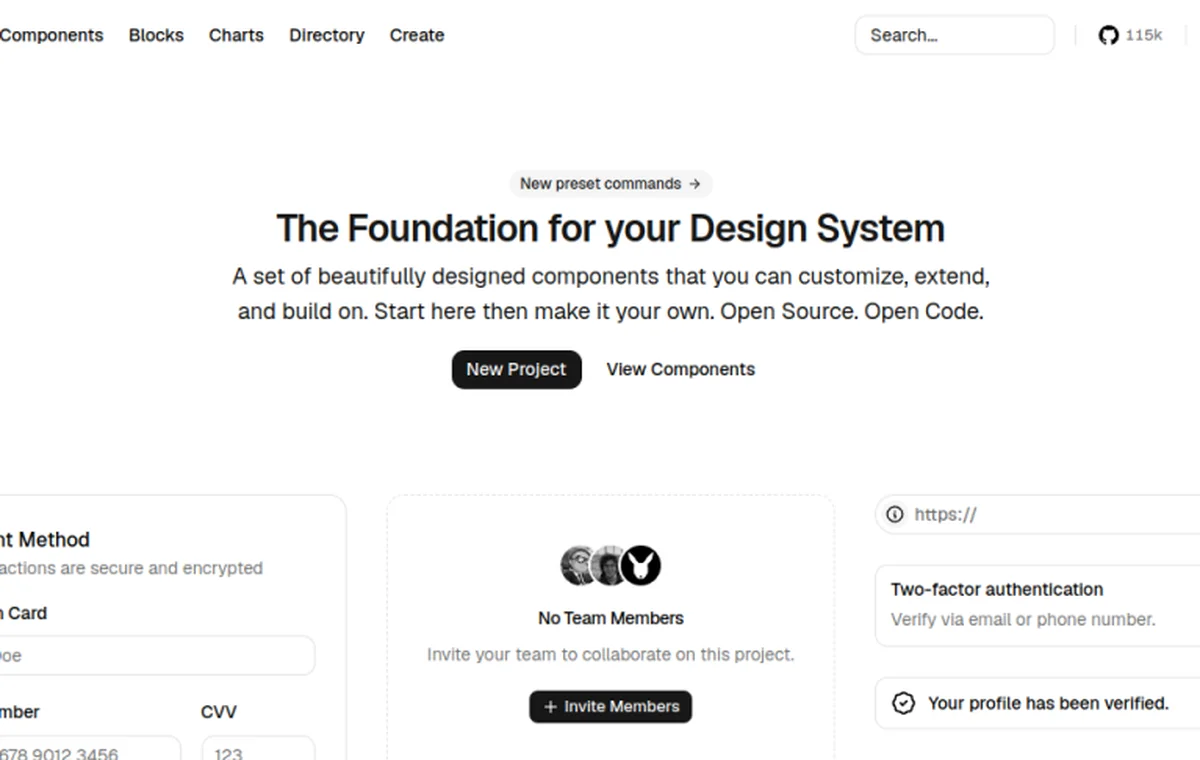
shadcn/ui gives a project copyable React components and Radix-backed behavior. It does not decide how dense a dashboard should be, which card is primary, what an empty state says, or when a form needs a destructive action. Those decisions belong in the product’s DESIGN.md.
Write the rules agents need to repeat
Start with exact values and usage rules, not mood words. Record the CSS variables that already exist in the repo, then state when each token is used. If the product uses a tighter radius or smaller button in data-heavy contexts, say so explicitly. If a secondary card cannot contain another card, write that as an anti-pattern.
:root {
  --radius: 0.5rem;
  --space-page: 1.5rem;
  --density-data: compact;
}

/* Prefer semantic roles over one-off colors. */
.data-table-row[data-state="selected"] {
  background: hsl(var(--muted));
}
The useful part is the instruction around the snippet: which component owns the token, which variant is canonical, and what the agent should do when a requested screen does not match an existing pattern.
Choose rules by surface
Do not give an agent one generic instruction such as “make it clean.” A dashboard, form, settings screen, marketing page, and data table have different priorities.
| Surface | Decisions to document |
|---|---|
| Dashboard | Document page-header hierarchy, KPI emphasis, grid density, loading and empty states, and the one primary action. |
| Form | Document label placement, field spacing, validation copy, focus treatment, disabled state, and submit priority. |
| Settings | Document navigation grouping, save behavior, destructive-action separation, and unsaved-change feedback. |
| Marketing | Document section rhythm, headline measure, proof placement, and when a card may carry a CTA. |
| Data table | Document row density, sorting/filtering states, selection feedback, pagination, and mobile overflow. |
Where to start
Use the full reference when you need the complete contract. Use the starter when a repo needs a short editable scaffold. Read the guide when you need the workflow explained before editing the file.
These are independent, agent-oriented references, not official shadcn/ui files. Keep the values aligned with the product you are actually building and verify implementation details against the project’s own source and documentation.