designmd
DiscoverTemplatesToolsLearn
cmd+k

DesignMD

Discover, vote, and share the best DESIGN.md files on the internet.

♥ Support Itmeo

Products

  • WebGradients

Company

  • About
  • Blog
  • Manifest
  • Studio
  • Donate

Explore

  • Changelog
  • Newsletter
  • Press

Connect

  • Twitter / X
  • GitHub
  • dimabraven.com

© 2016–2026 Itmeo. All rights reserved.

PrivacyTerms

Creator Tool DESIGN.md

A launch-ready creator tool style file for AI coding agents, with typography, spacing, component rules, and layout taste.

CursorClaude CodeCodexGoogle StitchLovableBoltv0Figma Make
1,971 copies1,253 saves1,005 downloads

Added by

dimabraven

May 8, 2026

Tags

templatedesign-mdsaastailwindshadcn
Sign in to copy full DESIGN.md files, download .md files, and save styles.
# Creator Tool DESIGN.md
## Product feel
A launch-ready creator tool style file for AI coding agents, with typography, spacing, component rules, and layout taste.
Build for a Stripe-style, Soft gradients, SaaS visual taste. Keep density practical, typography strong, and layouts easy for AI agents to repeat.
## Color direction
- Primary text: #1f2937
- Accent / interactive: #10b981
- Surface: #ecfdf5
- Border / separators: #6ee7b7
## Typography
- Use a modern sans for body copy and a sharper display face for hero/page titles.
- Titles should feel deliberate, not shouty. Avoid oversized marketing fluff.
- Meta text should stay compact and quiet.
## Layout rules
- Prefer light UI by default.
- Use compact spacing and card grids that still feel breathable.
- Keep navigation practical: search first, then filters, then actions.
- This entry belongs to the "templates" lane.
## Components
- Buttons: slightly rounded, clear hierarchy, only one primary CTA per section.
- Cards: soft border, useful metadata, preview-first composition.
- Empty states: helpful, never dead.
- Code panels: mono, dense, copy-friendly.
## Agent rules
- Do not generate generic Tailwind marketing blocks.
- Respect the palette and keep component states consistent.
- Optimize for these tools: Cursor, Claude Code, Codex, Google Stitch, Lovable, Bolt, v0, Figma Make.
## Accessibility
- Preserve contrast for text and controls.
- Use visible focus states.
- Avoid relying on color alone for meaning.
## License
MIT

Color Palette

TEXT

#1f2937

ACCENT

#10b981

SURFACE

#ecfdf5

BORDER

#6ee7b7

Typography

display

4.5rem / 600 / 1.04

The quick brown fox

heading-lg

3rem / 700 / 1.07

The quick brown fox

heading

2rem / 600 / 1.1

The quick brown fox jumps

heading-sm

1.25rem / 600 / 1.2

The quick brown fox jumps

body

1rem / 400 / 1.5

The quick brown fox jumps over the lazy dog

caption

0.75rem / 400 / 1.5

The quick brown fox jumps over the lazy dog

Design Tokens

Spacing

space-14px
space-28px
space-312px
space-416px
space-624px
space-832px
space-1248px
space-1664px

Border Radius

radius-none0px
radius-sm4px
radius-md8px
radius-lg16px
radius-xl24px
radius-full9999px

Elevation

Flatshadow-none
XSshadow-xs
SMshadow-sm
MDshadow-md
LGshadow-lg
XLshadow-xl

Related DESIGN.md files

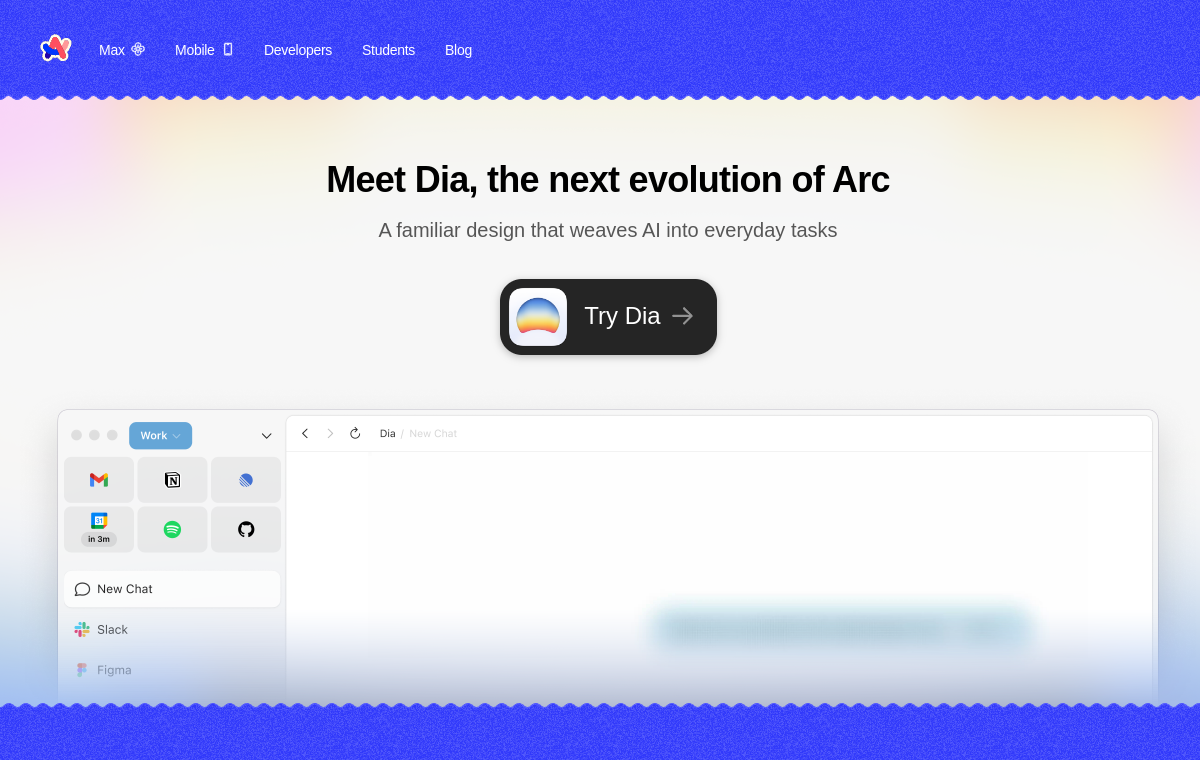
Arc Browser

Arc Browser

Reimagined web browser. Dark, opinionated, premium.
CursorClaude CodeCodex
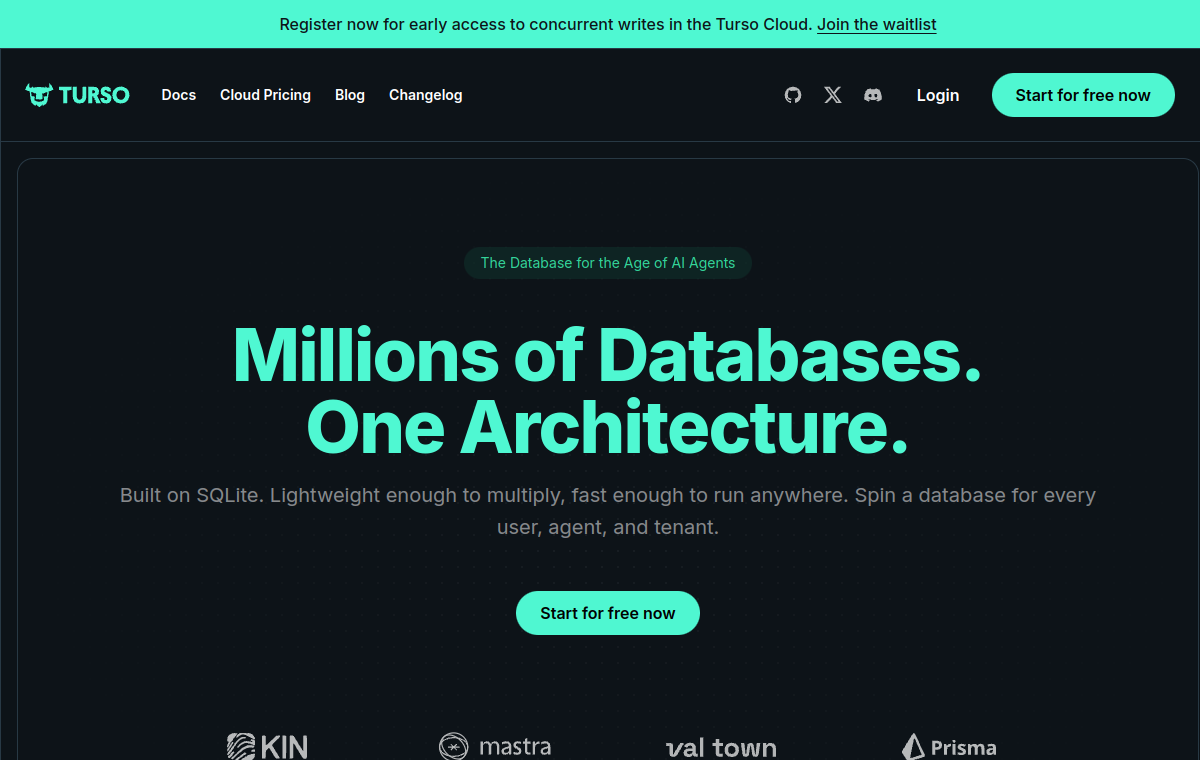
Turso

Turso

Edge-native SQLite. Dark, minimal, developer-brand.
CursorClaude CodeCodex
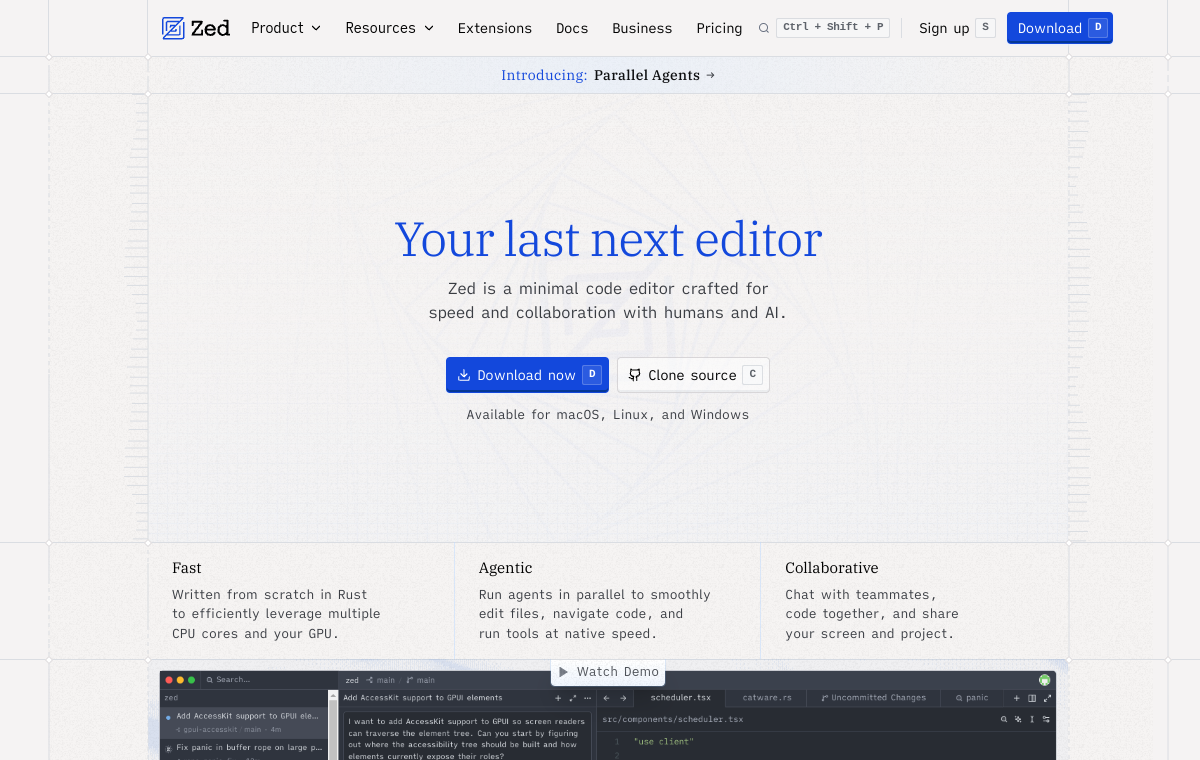
Zed

Zed

High-performance code editor. Minimal, dark, fast.
CursorClaude CodeCodex
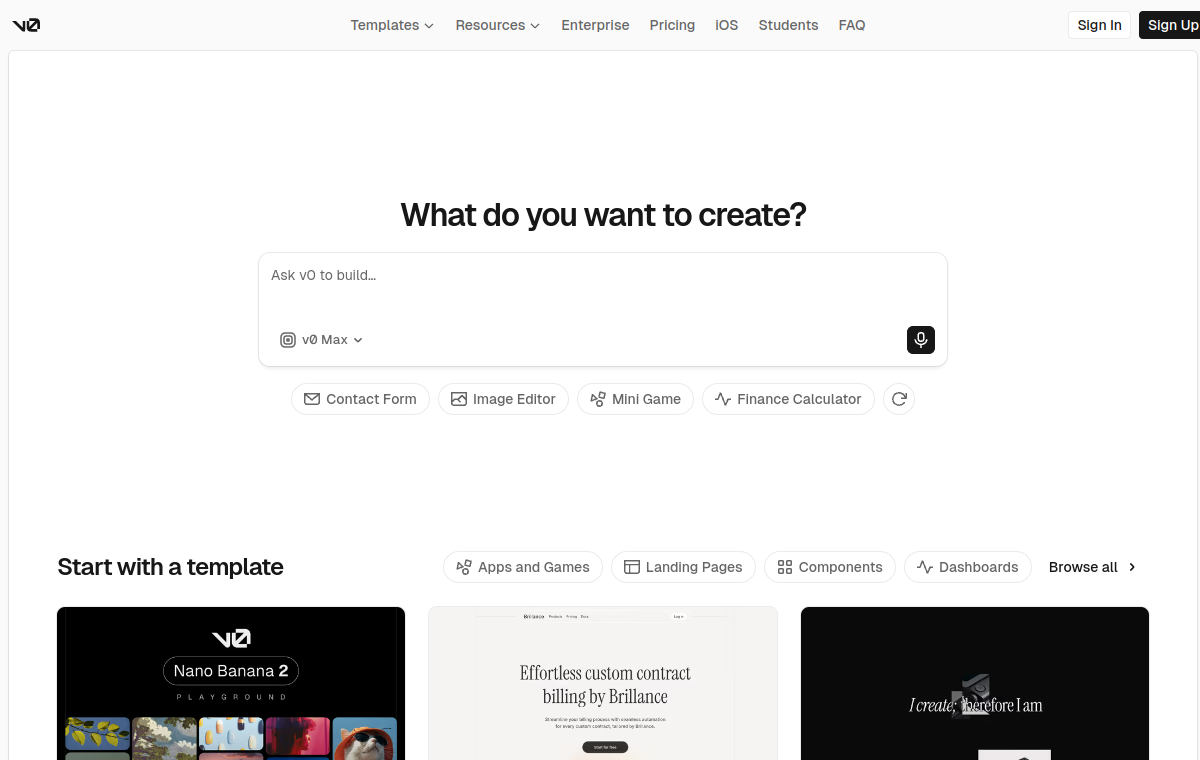
v0 by Vercel

v0 by Vercel

AI UI generator. Dark, minimal, Vercel aesthetic.
CursorClaude CodeCodex
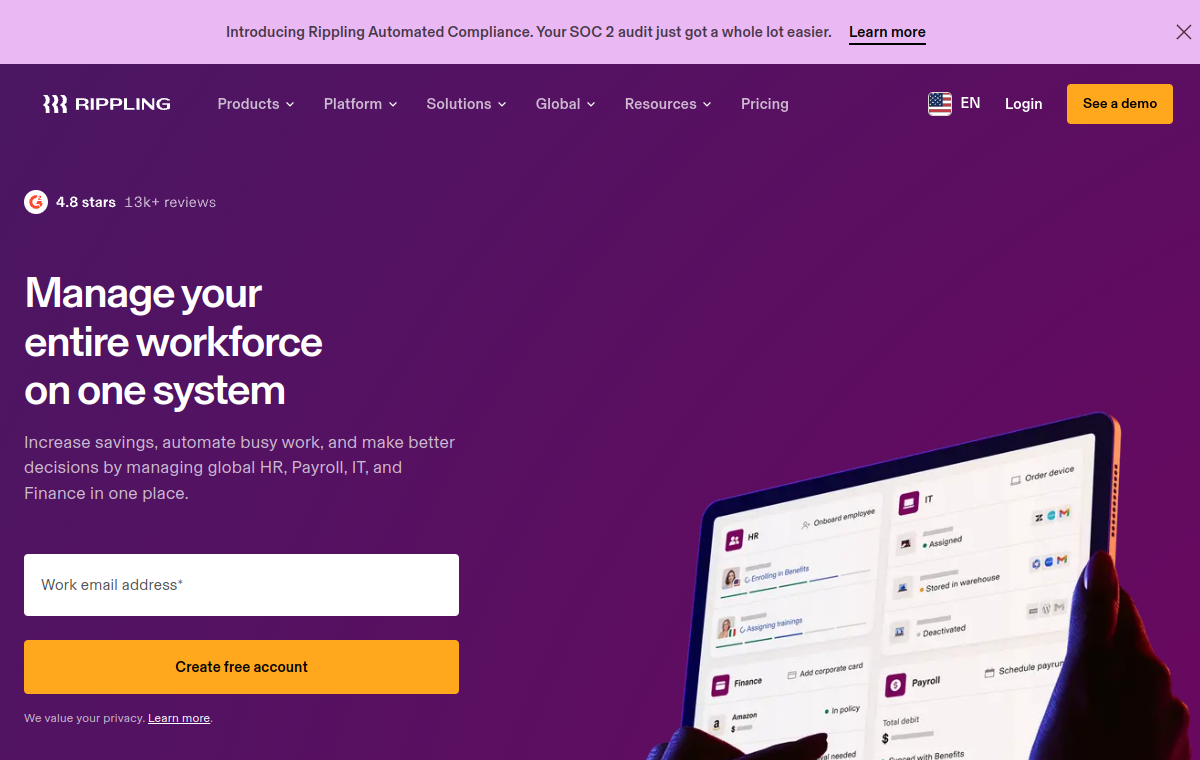
Rippling

Rippling

Workforce management platform. Dense, enterprise, modern.
CursorClaude CodeCodex
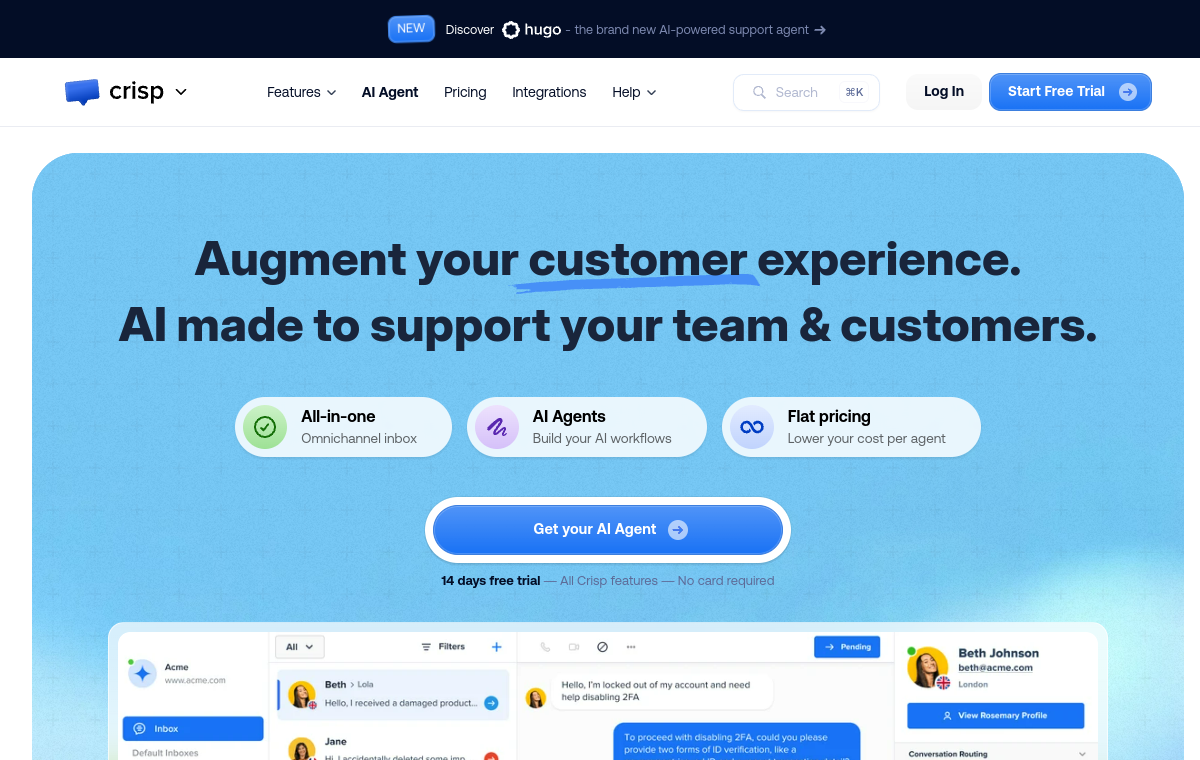
Crisp

Crisp

Customer support platform. Friendly, approachable UI.
CursorClaude CodeCodex
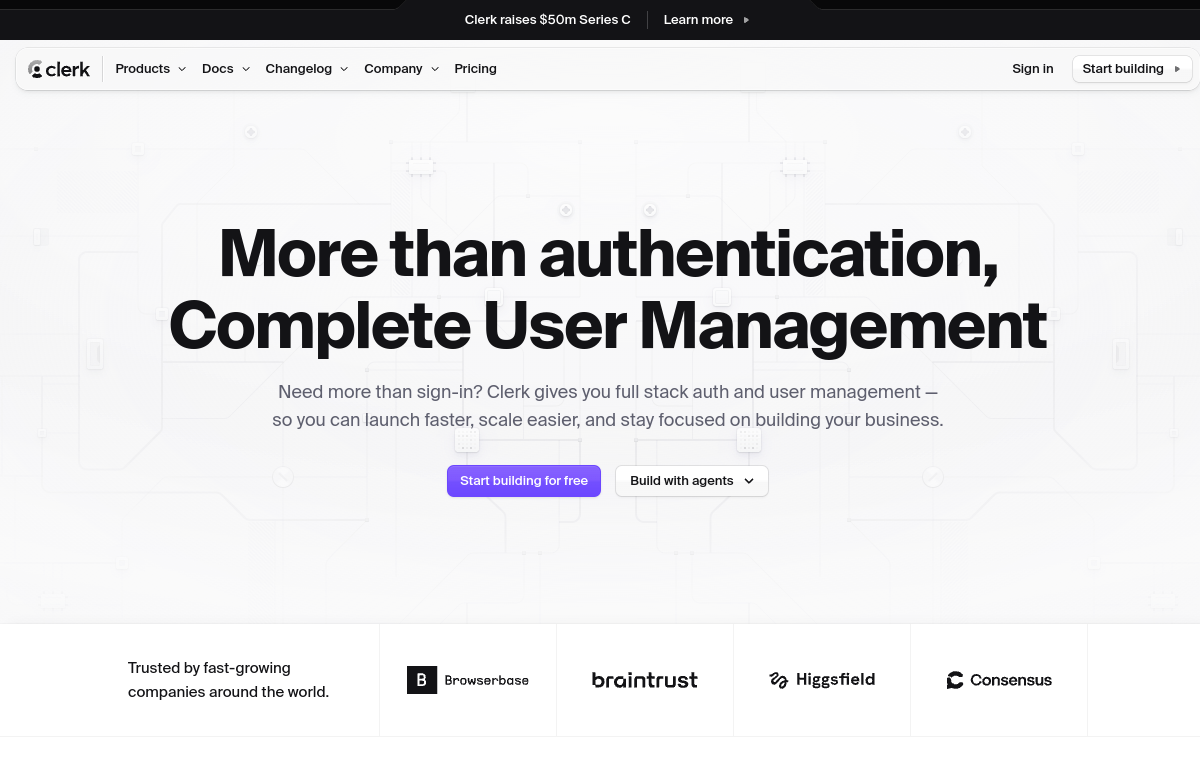
Clerk

Clerk

Authentication for modern apps. Clean, trustworthy.
CursorClaude CodeCodex
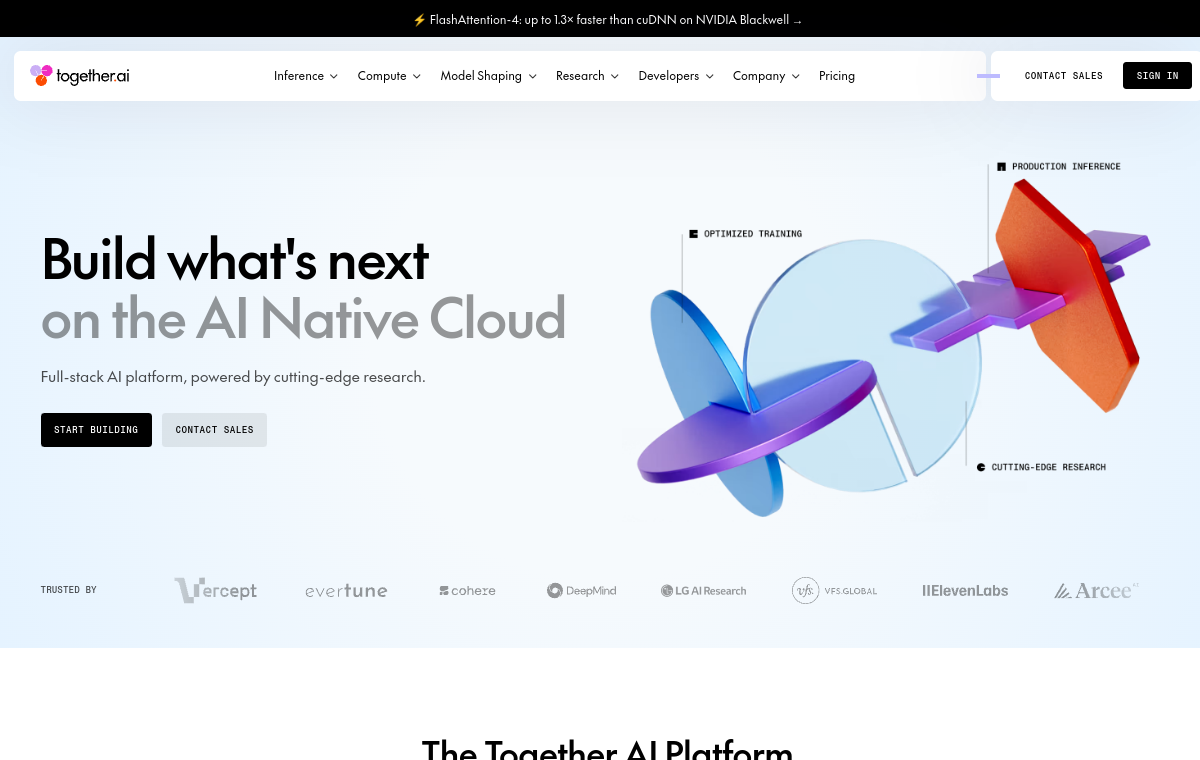
Together.ai

Together.ai

AI acceleration cloud. Dark, developer-first.

CursorClaude CodeCodex

FAQ

Can I use this with Cursor or Claude Code?

Yes. Copy the DESIGN.md into your project root and ask the agent to follow it.

Is this official?

No — this is an independent reference.

How do I add this to my project?

Copy the markdown into a DESIGN.md file in your repo root and mention it in your agent prompt.